As seen in the picture the option deepmind_robot1_odom is not an option for the fixed frame. Also I saw that I have a huge amount less options to choose from. Is there somthing what I can do with this?
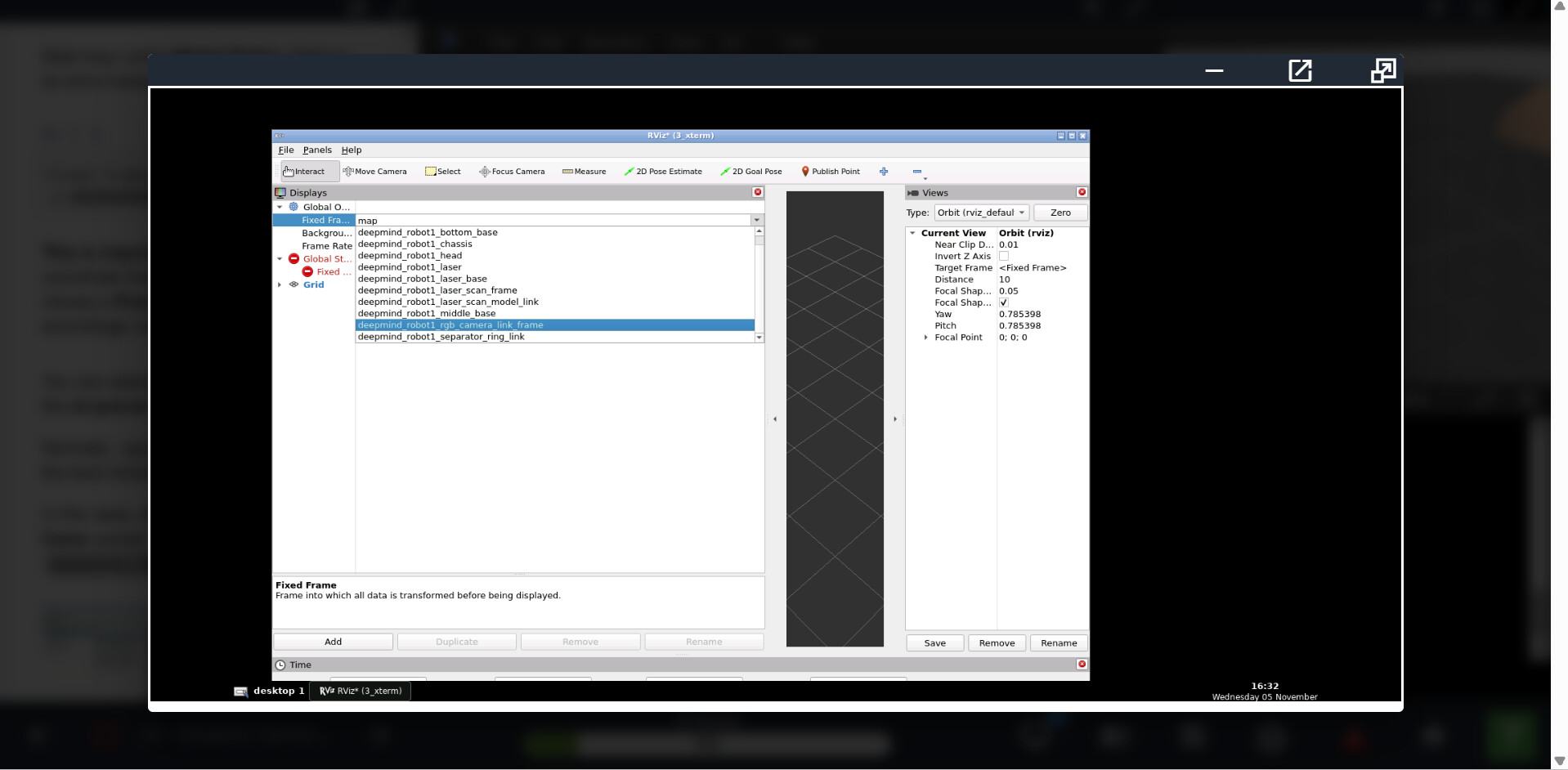
Could you please provide more context for this issue?
- Which specific exercise or example are you trying to follow?
- Have you completed all previous exercises? Skipping some exercises can cause this.
- Have you followed each step of this exercise carefully?
It is exercise 1.6.1.
I completed all previus exercises and I followed eacht step carefully.
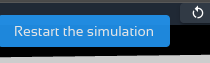
Sorry for teh late reply. Yeah it seems your simulation didn’t launch properly, because it should give you a lot more frames. The best solution is to relaunch the simulation, pressing the relaunch button in the simulation window.
You should get something like this, note that the scroll list is much longer than your image with the error
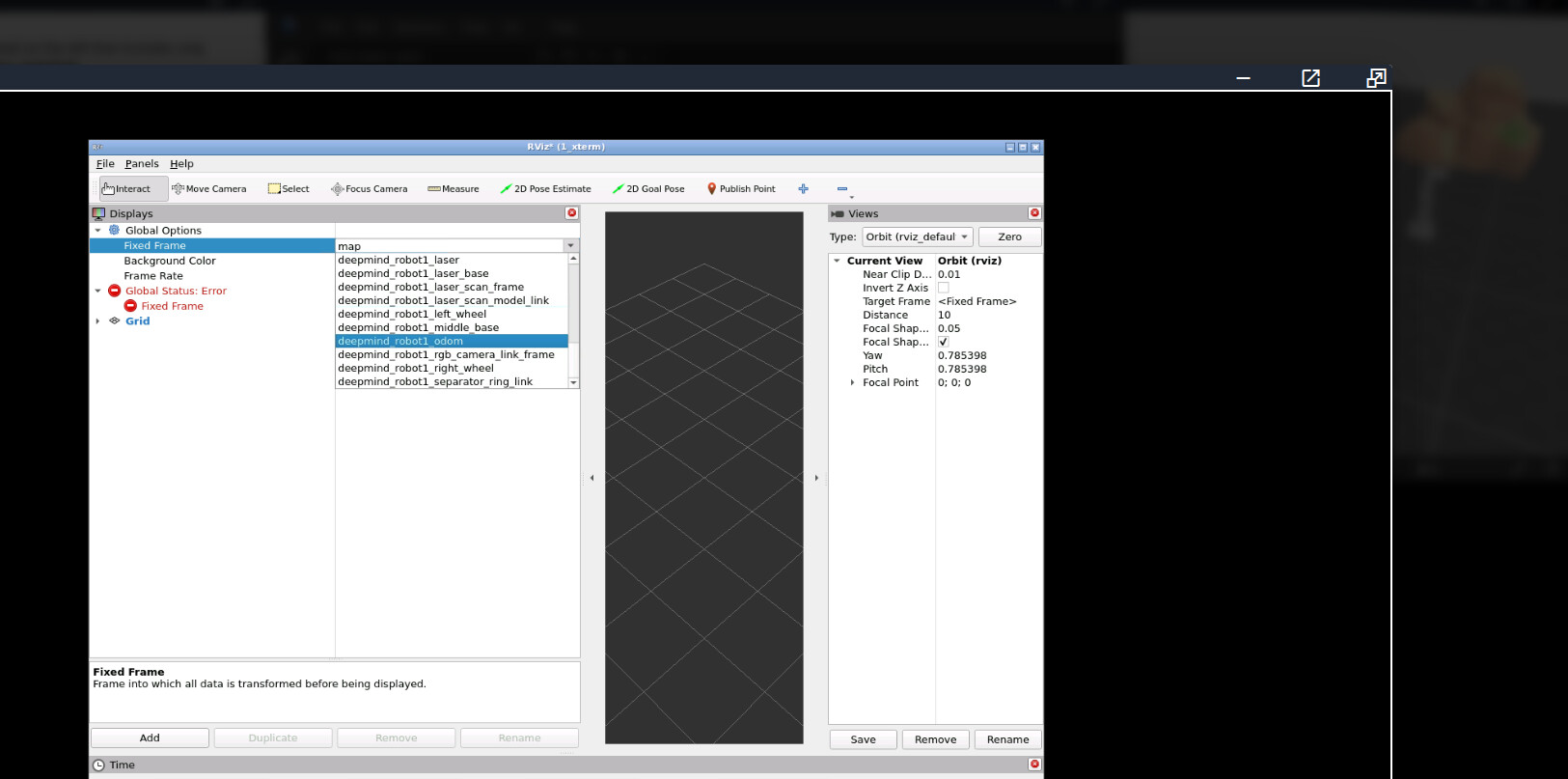
.
I am also experiencing the same issue . deepmind_robot1_odom is not an option, only limited options are displayed.
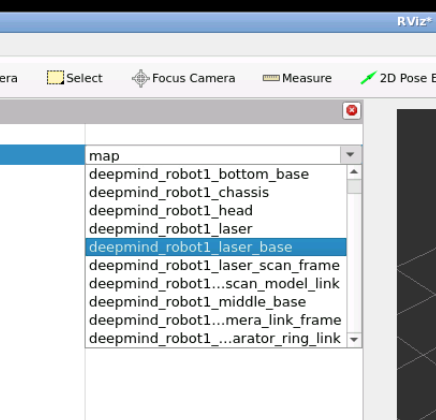
I see whats teh problem. SOmetimes, gazebo simulations fail to launch completely, so the robot doesn’t spawn. Therefore all the frames that are generated by the robot wont appear.
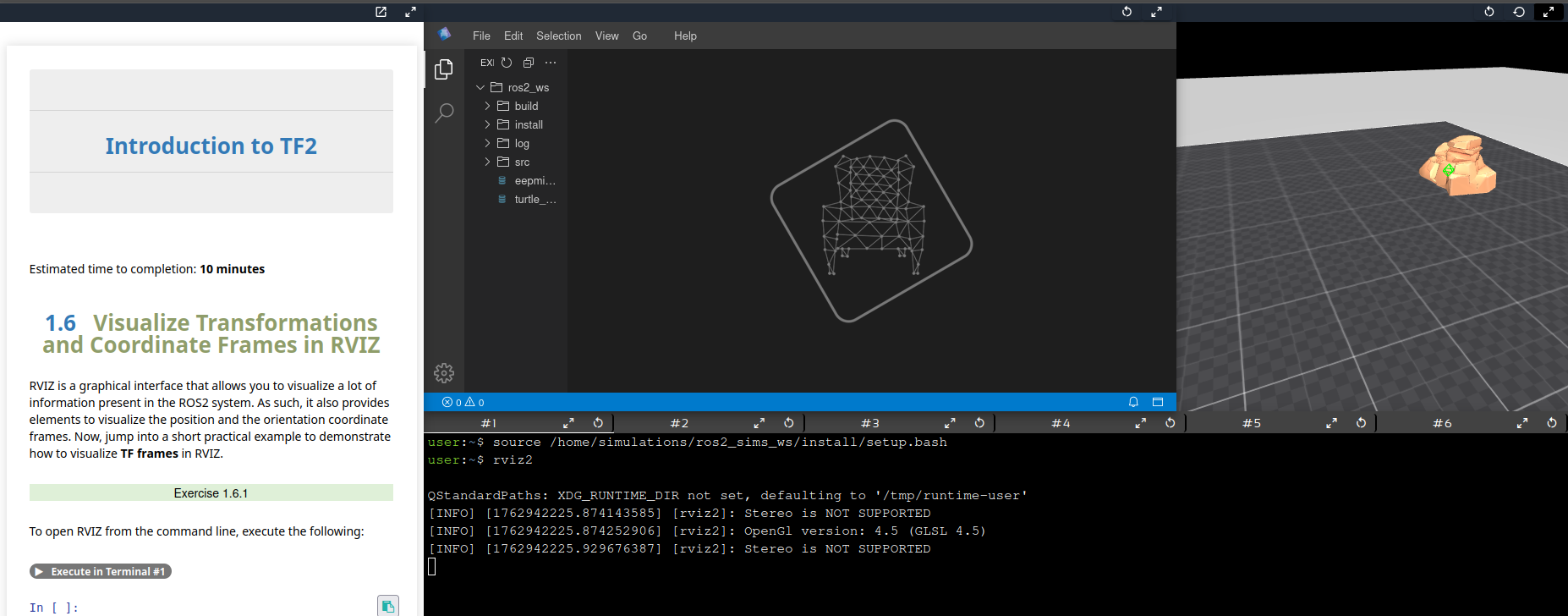
If you get that, only a rock in the simulation, the robot is not there. So please relaunch the simulation pressing the Restart simulation button, and the robot should then appear in the simulation an therefore the frames also.
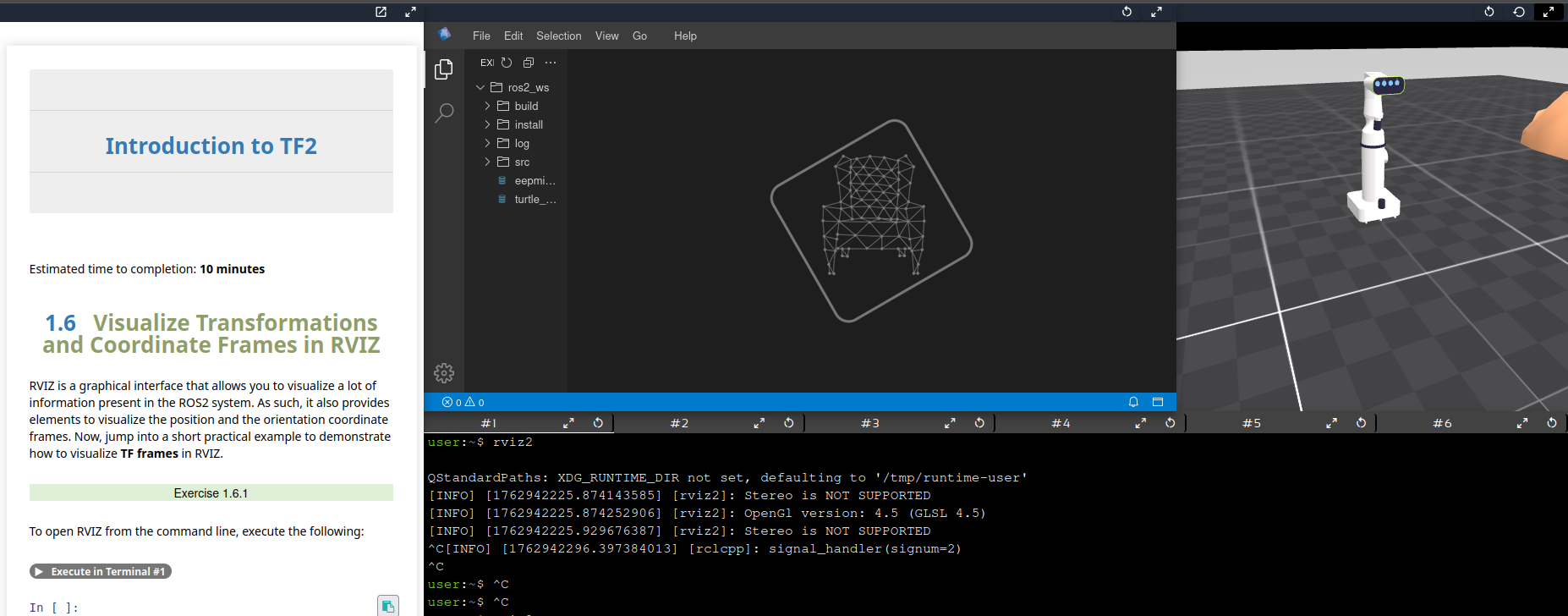
I’ll add these instructions in the notebook so that no one gets confused again.
Deployed the section for checking your simulation is running as expected. Sorry for the inconvenience.
This topic was automatically closed 5 days after the last reply. New replies are no longer allowed.