I cannot move the robot using the “uio jkl m,.” keys as specified, but I CAN move the robot using WSAD. Is this an intended operation, or is there a bug here?
I’m sorry about that. Please see the answer here:
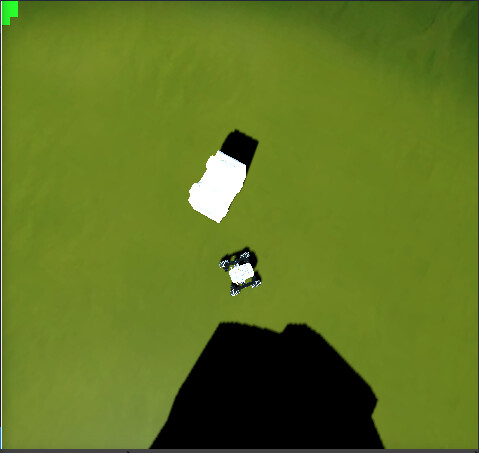
Hi, could you specify exactly the Unit and the Course you were doing exactly. Also, a Screenshot of the whole page would help because with only that image we can’t see if your window is focused, which version of the platform you are exciting this isn. Please send us that to be able to know more details on the matter
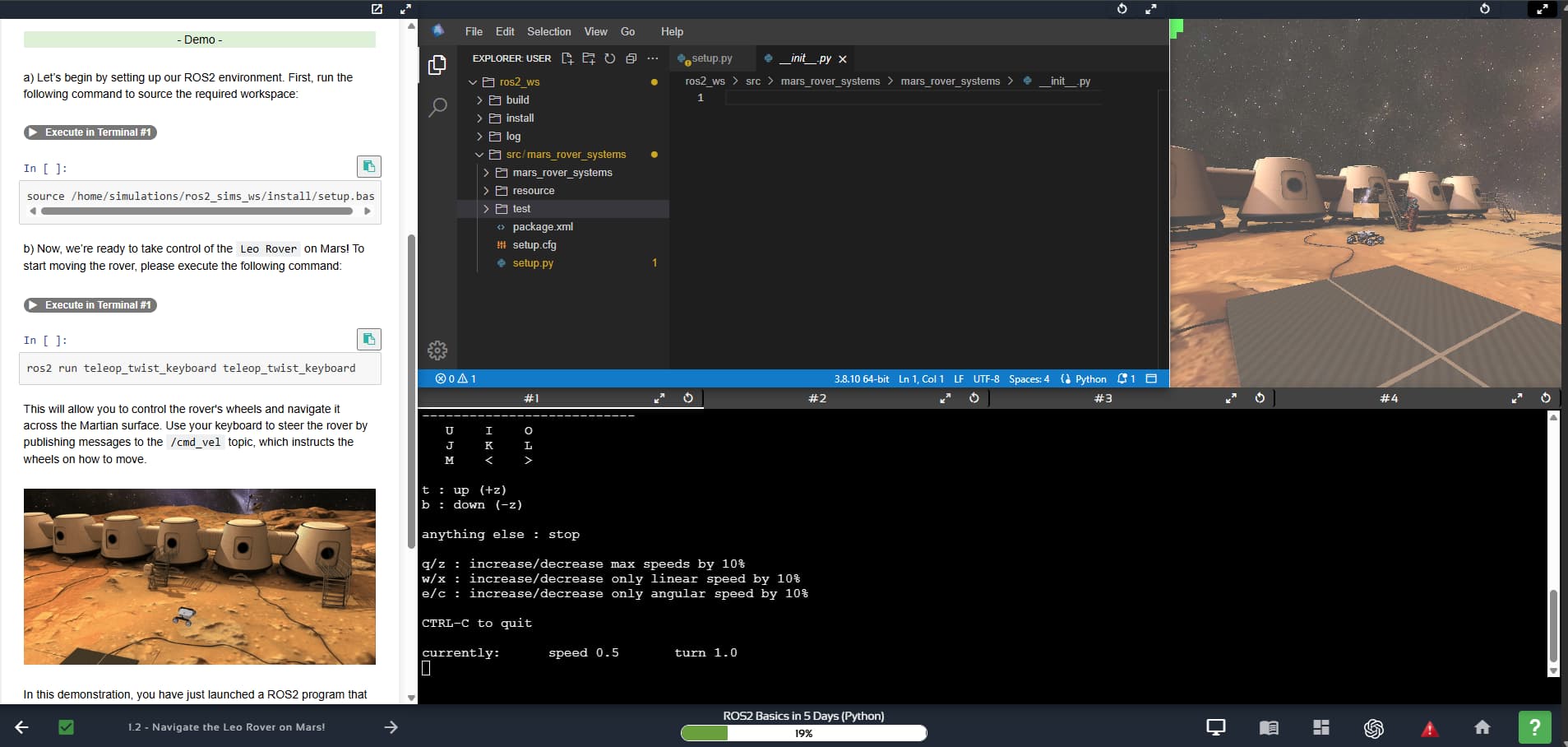
Perhaps the problem is that the terminal was NOT focused while you were trying to use the teleop program.
Focus the terminal running the teleop program by clicking on it, then press the specified keys. You should see some feedback printed.
Please let us know if this works.
Hello,
The terminal was focused while I was trying to use it. I could move the rover, however I just couldn’t move it using the keys specified. Only WSAD.
@Gnome
When using teleop, can you increase/decrease the speed with the q/z buttons? That’s a sign that the teleop is working.
While keeping the teleop terminal focused, press the “uio jkl m” buttons, as indicated in the attached video.
I can increase and decrease the speed, but the WSAD values work for control instead of uio jkl m,.
Hi, you are confusing things here:
-
you can control the simulated robot directly from the simulation without launching any control program. To do that, you use the WSAD keys. But you need to have the “focus” on the simulation. Press on the simulation window with the mouse pointer. If you can click and move the environment, then you have the focus. Once you have the focus, use the WASD keys to move the robot
-
you can control the simulated robot from a ROS program by launching the “keyboard teleop” ROS program and the “uio jkl m,.” keys. For that, you need to go to the terminal, and then launch the “keyboard teleop”. Then, still having the focus on the terminal, use the “uio jkl m,.” keys to move the robot around
You are confusing when to use what. Also you are probably not having focus on the proper window when you are pressing the keys. Welcome to the Linux world.
Still can’t get this running even when focusing the terminal, but given that this has been the same advice as before, I’m suspecting it’s a hardware issue, so will try on yet another device.
I’m pretty sure it is not a hardware issue, unless you cannot type with your keyboard. If you can type with the “WASD” keys in the terminal, then you should be able to move the robot around, if you get the focus.
Also, of the two solutions I proposed to you above, both are completely different, so, it is impossible that none of them work, because they are going through two different channels. Have you tried both and none of them worked?
There is clearly something that makes no sense… can you record a video of your screen narrating what you are doing and how it doesn’t work?
Not quite sure what the problem was, but I tried it on a 3rd device and it seems to work fine.
Unfortunately I don’t feel comfortable narrating, but I can assure you I followed the steps on the other devices. On the 1st device, the IDE wouldn’t load properly, so the simulation may also have been struggling in the background. Not sure what was happening with the second device.