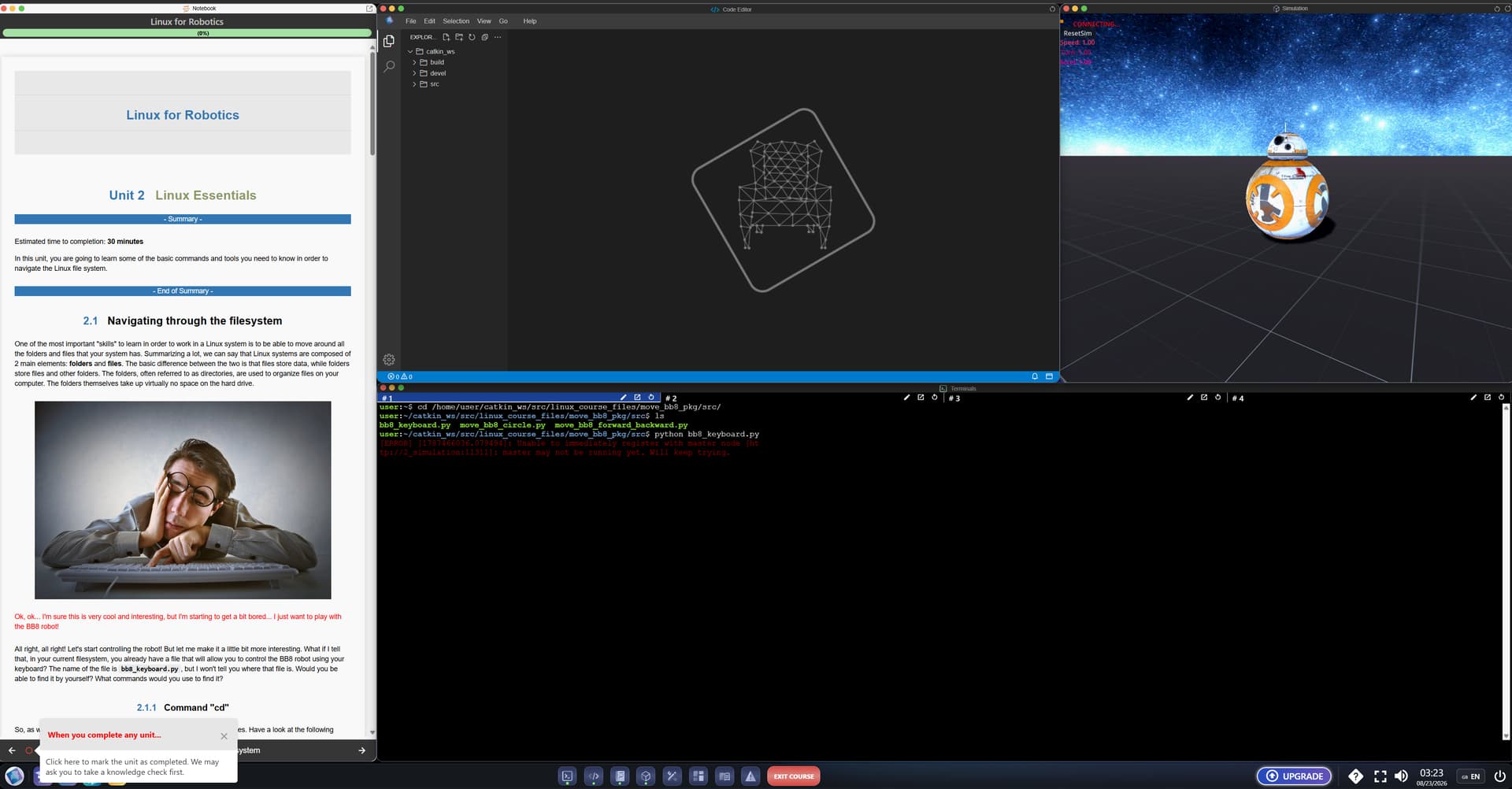
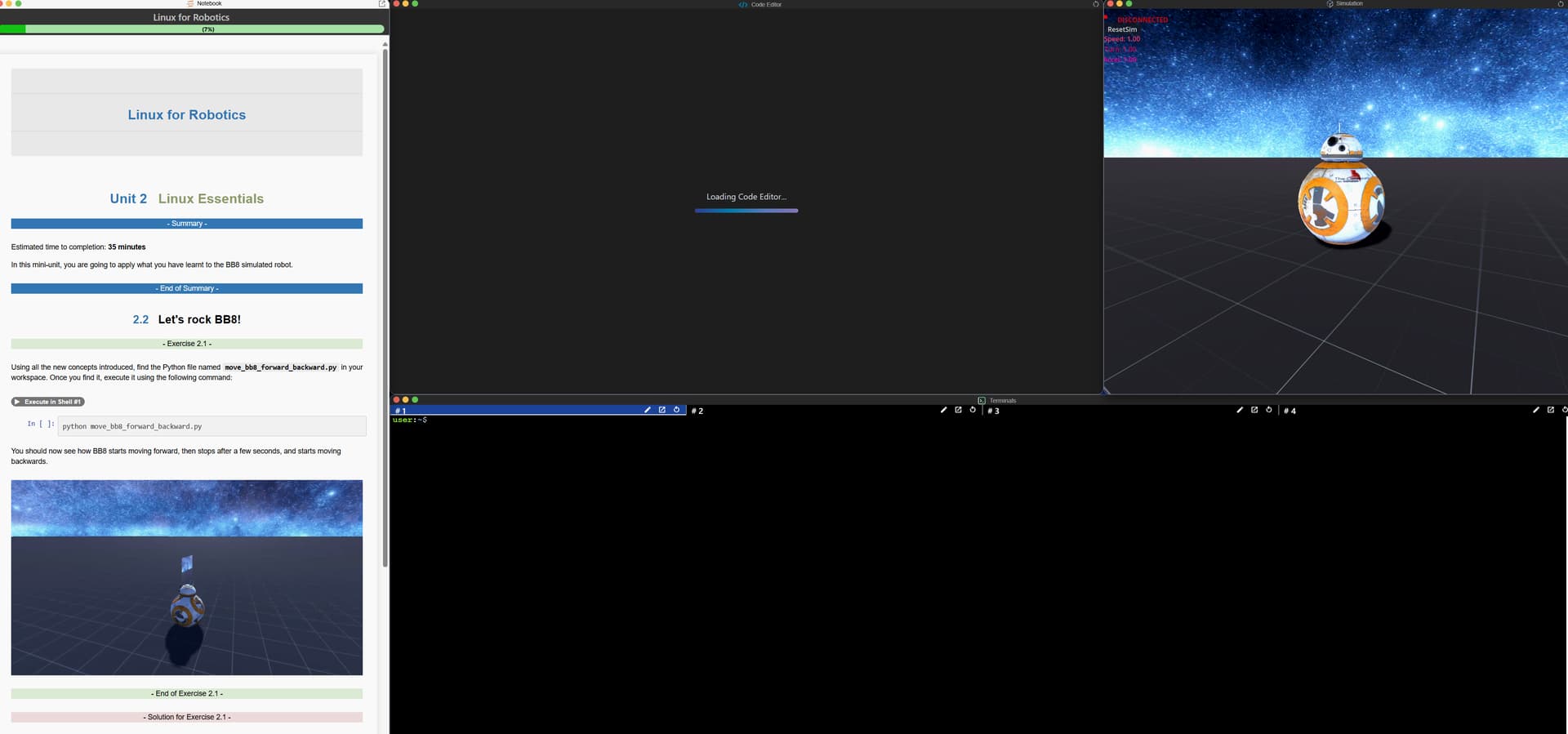
The simulation window on the top right seems to never connected. It will say connecting for a second and then go back to disconnected status. Of course, no command from the terminal is working either. I’m not sure what to do. I tried reset sim, I tried restart simulation, I tried multiple different browsers, same issue.
We are looking into this right now
, we are so sorry for the inconvenience.
We would like to know more information about this issue. Is it still happening? Did it work after a few minutes? Becuase form our side we couldn’t reproduce your issue, and reviewing the logs, it seems it launched correctly. Please let us know and give us any information about this issue. We would be really grateful.
I had the same problem yesterday. I solved it by deleting the browser history (including cache, data, cookies, etc.).
No luck, I have since tried microsoft edge as well, and cleared my browsing history along with everything. Same issue.
Is there any way to completely shut it down and restart from scratch? It doesn’t seem like it happens just by closing and starting later, because it usually starts me from where I left off. Of course, restarting just the simulation does nothing either.
@Blitz
We are still looking into this issue and don’t quite know why it’s happening to you 
I’m unable to reproduce it from here. If the come back after about 20 minutes, everything resets.
In the meantime, could you please let us know the browsers you have tried? It should not happen, but it looks like something on your browser/PC/network.
Hi @Blitz and @danielmanu,
with further investigation it was found that this happened because there were duplicated packages from older simulations in the simulation workspace, causing problems.
This problem should have been solved now.
Could you double-check that now the simulation loads properly?
If for any reason the simulation doesn’t load again, please let us know.
#KeepPushingYourROSLearning
Hey, sorry for the late response, but yes it is fixed now. Thank you so much I really appreciate it!