Hello,
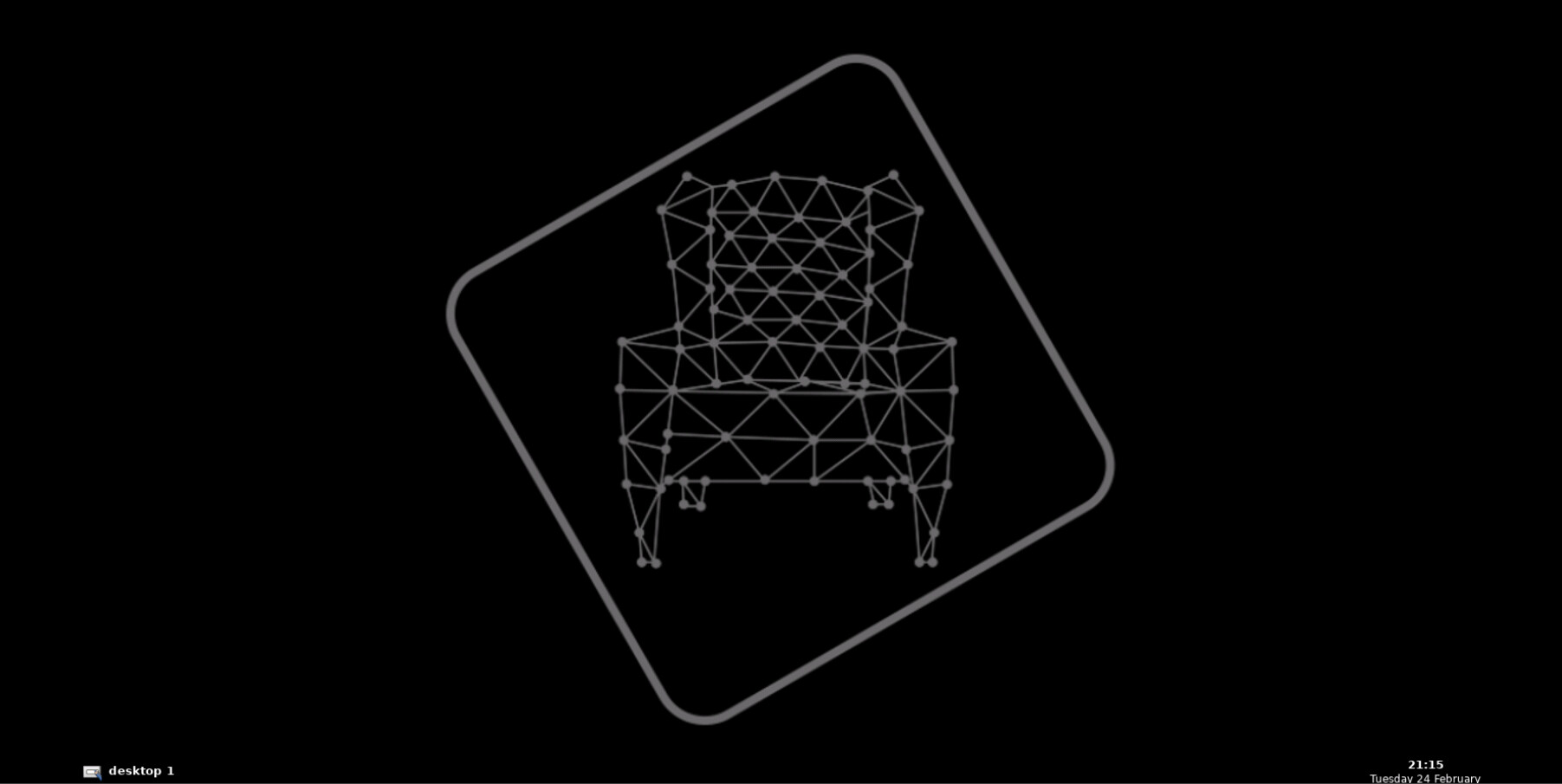
Today I was trying to test my code in a Gazebo simulation (Part 2, ROSject for C++ Basics for Robotics* course) but it suddenly stopped working, showing the error you have been disconnected. After a few attempts, I succesfully reconnected, but unfortunately nothing changed, the screens looks like on the screenshots below and simulation does not start:[img]
@antszkol6969
There is no error here. When you see this screen, it means the Gazebo is waiting for you to launch the simulation manually.
I understand that this can be confusing since most units of the courses automatically launch the simulation; in most of the projects, however, you need to launch the simulation manually.
Just keep following the instructions in the project notebooks, and you’ll find the command to launch the simulation.
PS: You may also see this kind of screen in some of the courses. It also means that you are expected to launch the simulation manually.