Hey all,
I am having an interesting issue with my portfolio as it relates to the text formatting.
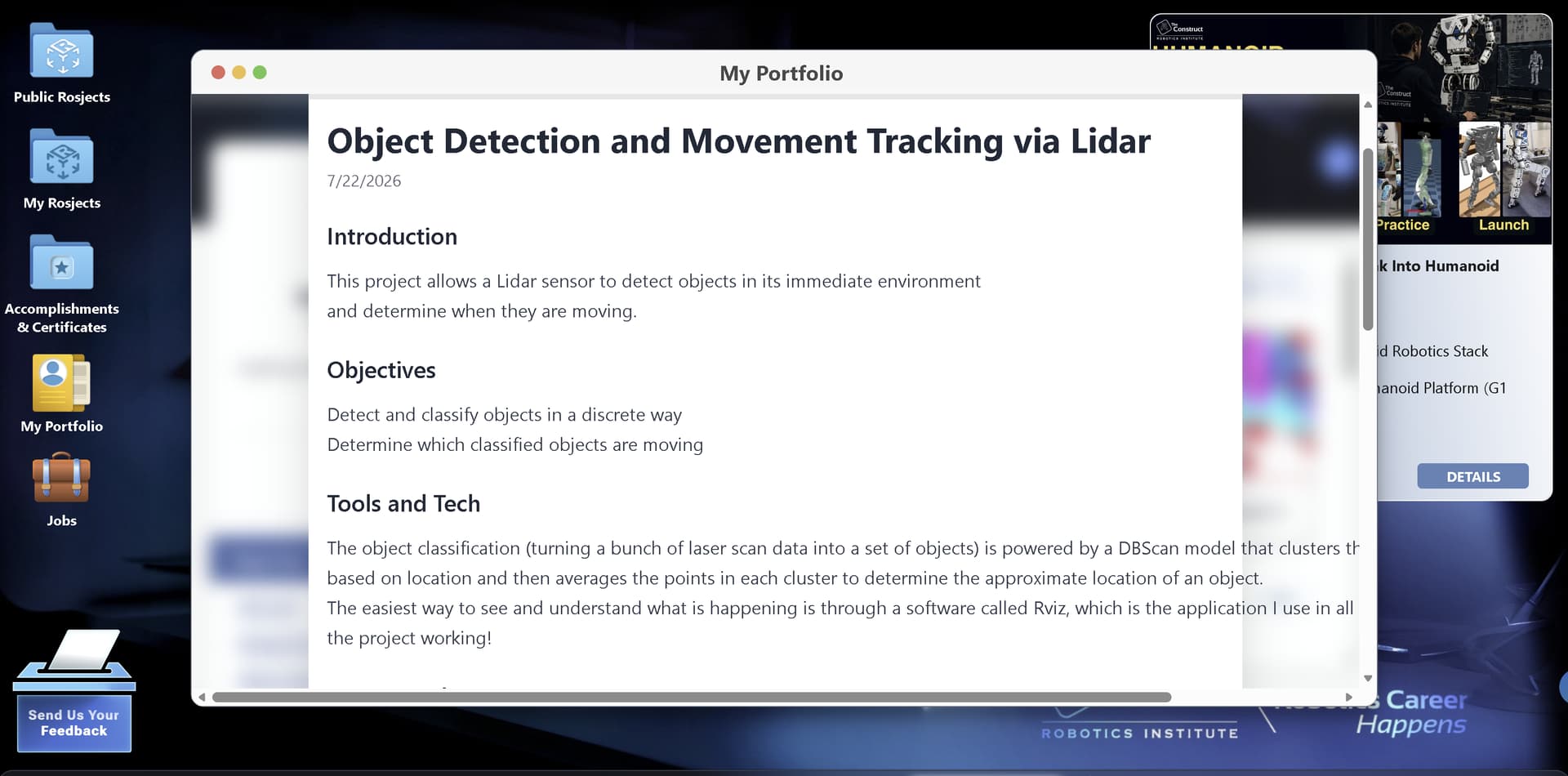
When I open one of my projects, if I am in reduced-screen-size mode, the text runs well off of the page. If i am in full-screen mode, the text goes right up to the righmost edge of the page (see screenshots)
This does not look terribly professional, and I was hoping to use your portfolio feature as a place to house my work going forwards for potential employers to see.
Is there a fix to this? Am I doing something wrong?