I booked a slot and connected to the Fastbot, to try and complete the “wall following” exercise. However, the robot does not move. It does nto move with the joystick, and it does not move with simple pub commands to /cmd_vel. However, the position in the /odom still changes rapidly over time. The live camera shows no motion.
I watched the video, thanks. Perhaps I should have said earlier, at the moment I’m working with ROS, not ROS2. I’m currently going through the “ROS Basics in 5 Days”. Will it still work with ROS, or are real robots only combatible with ROS2?
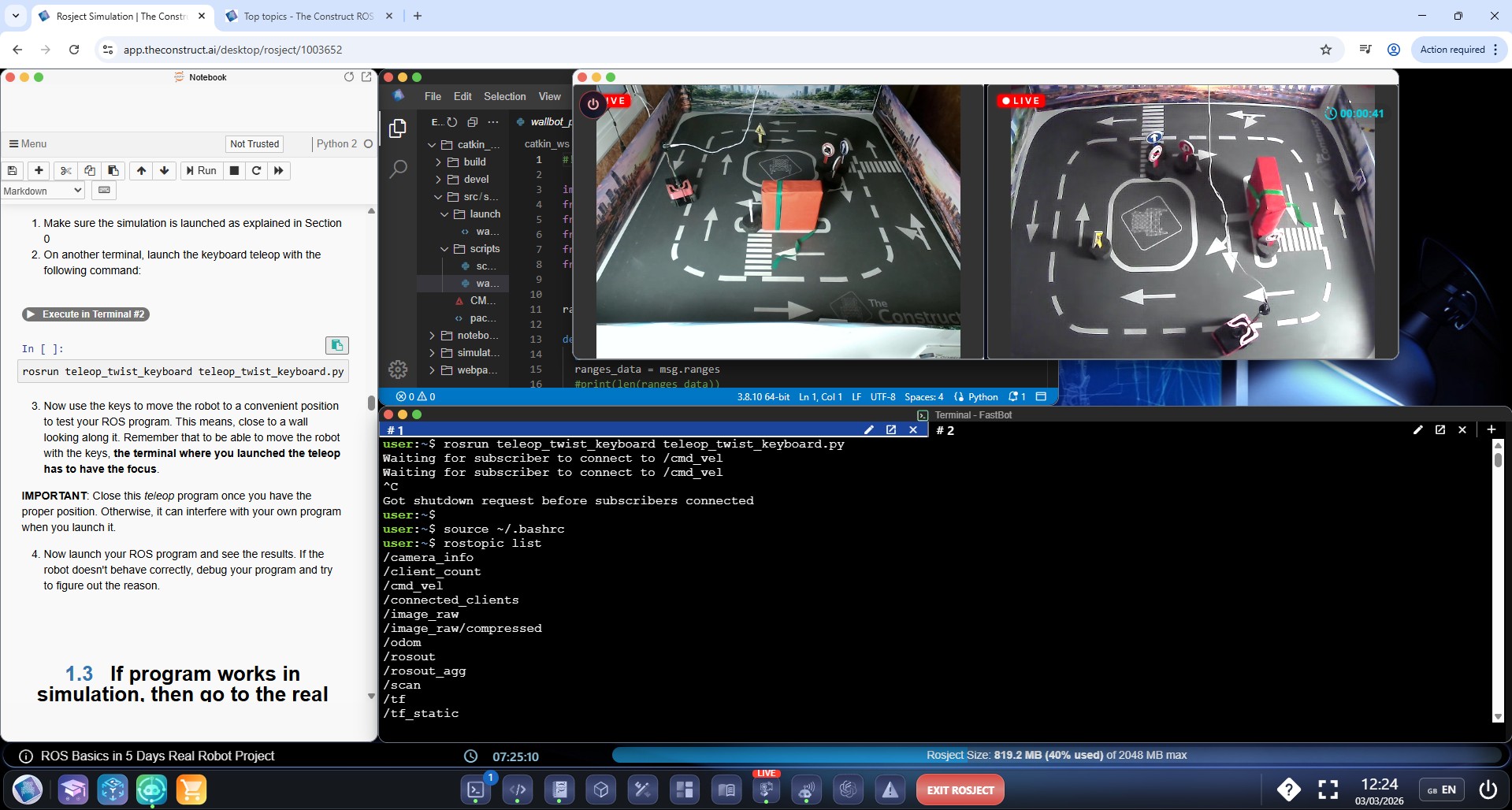
If you can look at the screenshot, you can see the /cmd_vel topic correctly gets the command to move. However, the robot does not move. When I try to use teleop it says “waiting for subscribers”.
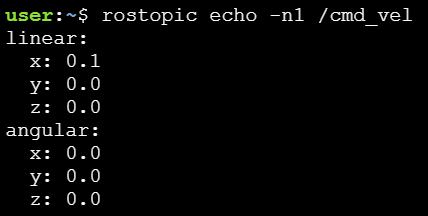
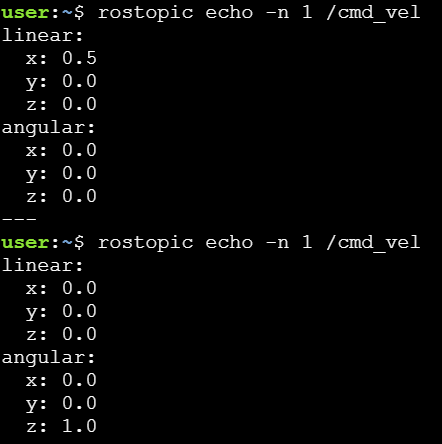
So, teleop found its subscriber and started publishing, but the robot will not move. I run teleop on terminal 1 and rostopic echo on terminal 2. When I press “i” and “j” I get linear.x and angular.z respectively in echo. But the robot does not move.
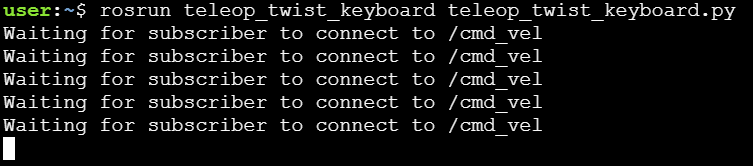
I have connected to turtlebot in real robot lab and receiving live video feeds. When I try to move the robot with onscreen joy stick, it does not respond. When attempting to move the robot through terminal, by using teleop_twist_keyboard.py, it returns a msg saying Waiting for subscriber to connect to /cmd_vel. I have attached screenshot,
When using teleop, it keeps repeating “Waiting for subscribers”. It only starts when I rostopic echo on the other terminal. Could this mean that the robot itself is not subscribed to the topic?
Rostopic info says there is a “/ros_bridge (http://fastbot:40231/)” subscriber (as well as publisher).
With a rostopic pub command, it still won’t move - which makes sense, as both teleop and rostopic pub result in Twist messages in /cmd_vel. Something is probably wrong in the way the robot subscribes to the topic.
If there’s any way that we can both look at it at the same time, it would be great.
Based on your description, we have now changed the underlying system that makes the fastbot available in ROS 1. We have tested multiple times, and we have not experienced the Waiting for subscriber to connect to /cmd_vel anymore. So it should be fixed.

 and has to be rebooted.