Hi @mrah
I’m sorry you ran into this issue.
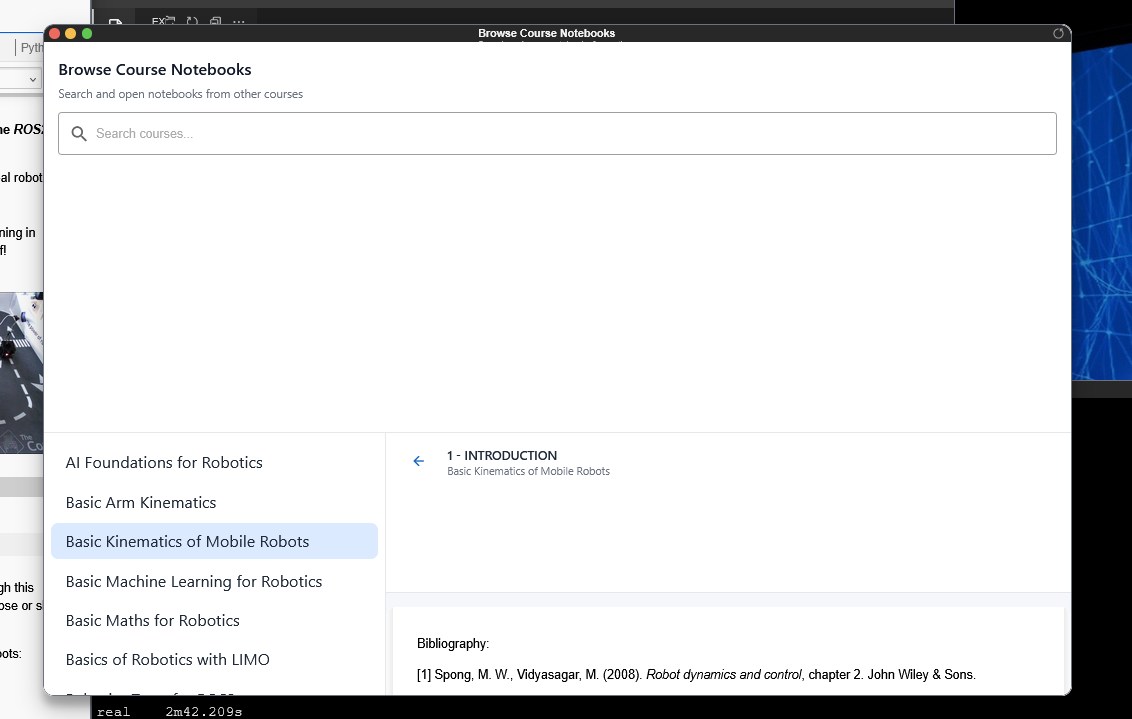
The window does not display like this. It looks like something is interfering with the window. Could you please check:
- Is the same thing happening on Chrome and Edge?
- Is the browser blocking some assets from our site? If so, you should see some error or warning messages in your browser’s console.
- Do you have a browser extension interfering? The “Bibliography” text at the bottom of the screen does not seem to be a part of the course.
Please see the attached screenshot of the same course and unit working well
I opened it on Edge just now. It’s a lot better, I think I’ll just stick to using edge for this then. Thanks for the help!