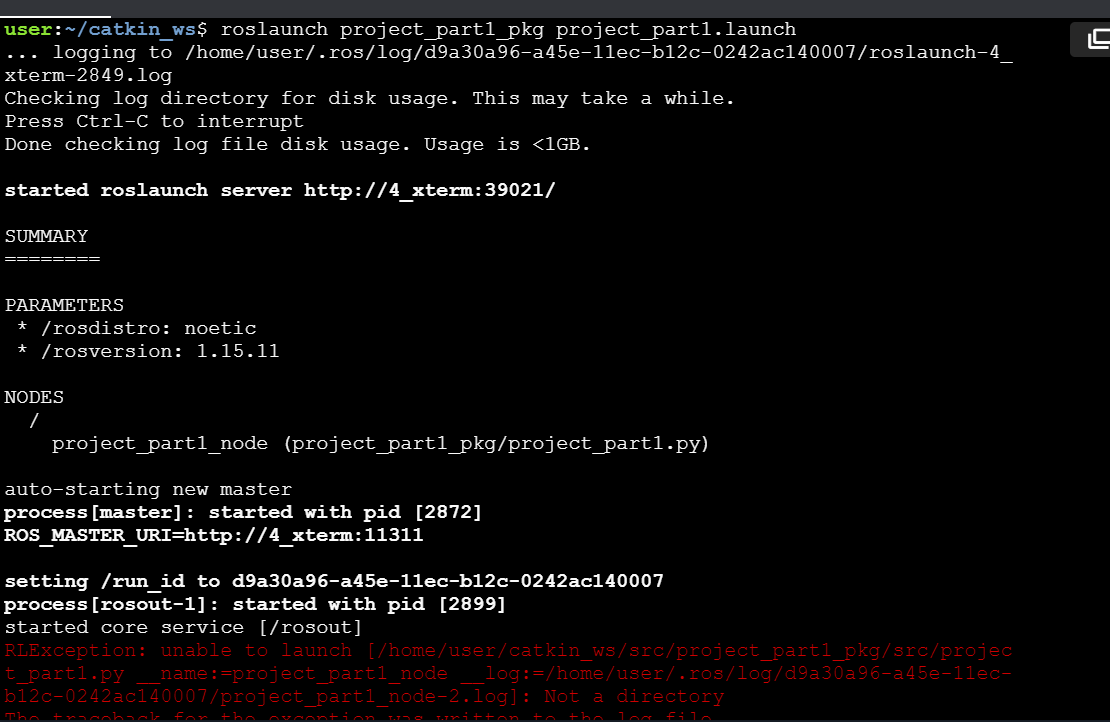
I am trying to do part one of the ros in 5 days rosject. When I try to launch the file I get this error.

I have already made the file executable and I checked all the names are spelled correctly.
what is causing this error?
A lot of things could be causing this error.
What is the name of your package? Your python file? Your launch file?
Does the node run without the launch file? Can the system find your package with roscd project_part1_pkg?
This is some of the information needed in order to be of more help
In addition, when requesting for help, don’t show just part of the error, show everything right from the command you ran. This would help us locate the problem.
Please check the following:
Also please identify where the issue is coming from. If you use rosrun project_part1_pkg project_part1.py, then you’ll know the problem is with the node if that outputs an error too. If that’s the case, then share the code for your node here. Check also that the type in your launch file corresponds to the executable name you have given your node.
Ok, great! Now you are getting somewhere. I hope you realize now that the problem is with your python node, not your launch file. Reading the error messages carefully is also very useful.
For example, after reading the error from your screenshot, I can see that the error comes from a line in your program that contains /usr/bin/env. Now, I would bet that this is the shebang in your file. Basically, you are missing the #! characters preceding /usr/bin/env . For more info on this, check shell - Should I put #! (shebang) in Python scripts, and what form should it take? - Stack Overflow
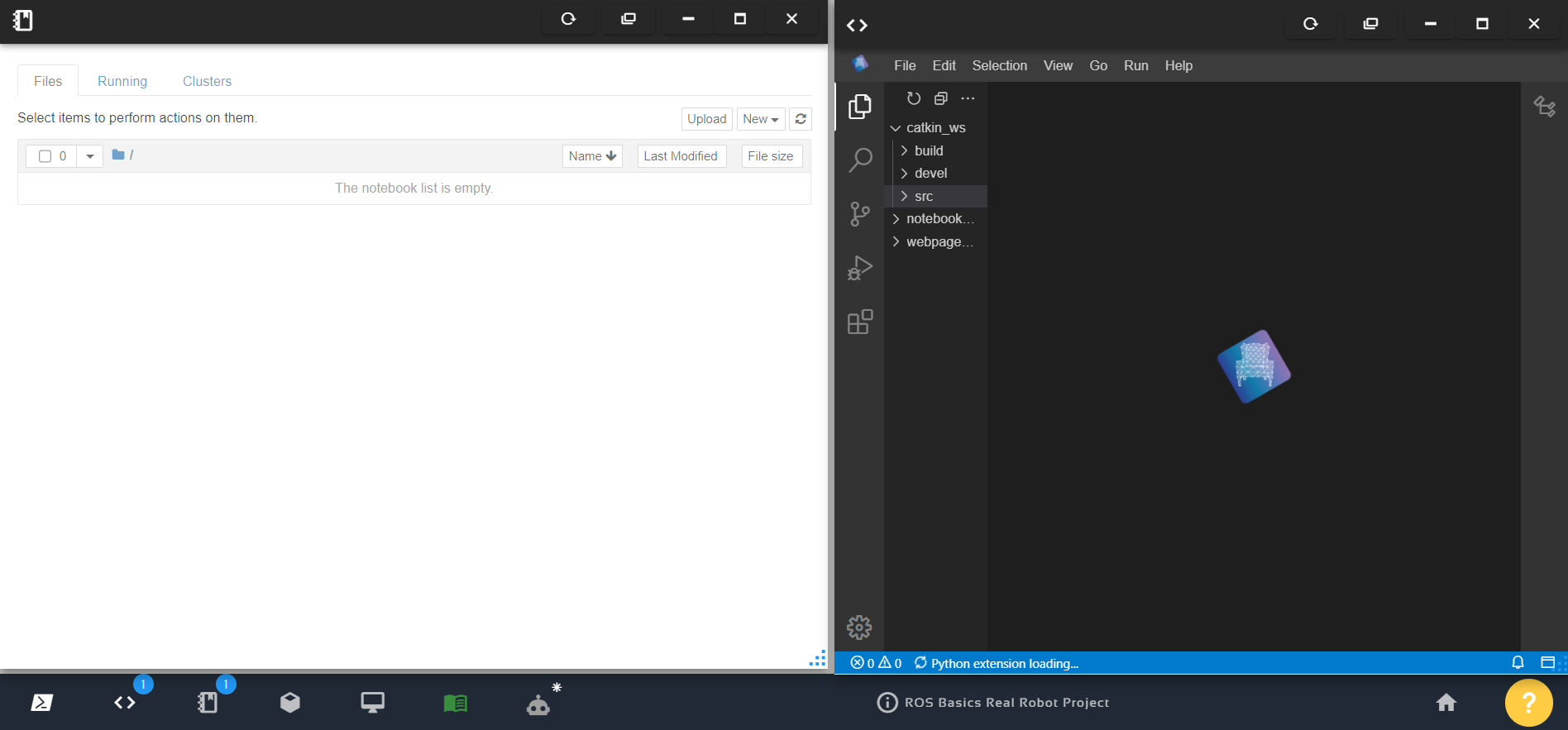
Hi, your rosject files have been restored, please check now
It is fixed. Thank you.