Hi,
While working on the the wall following project, I tried to emulate the logic applied by @girishkumar.kannan and modified the code to only run the right side wall following. However, the robot runs into the wall while following the trajectory.
Could someone give any suggestions on what is wrong with it?
from nav_msgs.msg import Odometry
from sensor_msgs.msg import LaserScan
#standard imports
import math
#import tf_transformations

#define wall follower class as a subclass of node class
class WallFollower(Node):
    #class constructor
    def __init__(self):
        super().__init__("Wall_follower")
        self.get_logger().info("Initializing Wall Follower...")

        #declare and initialize cmd_vel publisher
        self.cmd_vel_pub = self.create_publisher(Twist,"/cmd_vel",10)
        self.get_logger().info("Initialized /cmd_vel Publisher")

        #declare and initialize callback group
        self.callback_group = ReentrantCallbackGroup()

        #declare and initialize scan subscriber
        self.scan_sub = self.create_subscription(LaserScan, "/scan", self.scan_callback,
                                                 QoSProfile(depth=10, reliability=ReliabilityPolicy.RELIABLE), callback_group=self.callback_group)
        self.get_logger().info("Initialized /scan Subscriber")

        #declare and initialize odom subscriber
        self.odom_sub = self.create_subscription(Odometry, "/odom",self.odom_callback,
                                                 QoSProfile(depth=10, reliability=ReliabilityPolicy.RELIABLE), callback_group=self.callback_group)

        self.get_logger().info("Initialized /odom Subscriber")

        #declare and initialize control timer callback
        self.control_timer = self.create_timer(timer_period_sec=0.500,
                                               callback=self.control_callback,
                                               callback_group=self.callback_group)

        self.get_logger().info("Initialized Control Timer")

        self.get_logger().info("Wall Follower Initialized")

        return None

    #class destructor
    def __del__(self):
        return None

    #define and initialize class variables
    #robot_radius = 0.10  # m
    side_threshold_min = 0.20   # m gap
    side_threshold_max = 0.30    # m gap
    front_threshold = 0.50        # m gap
    pi = 3.141592654
    pi_inv = 0.318309
    ignore_iterations = 5
    iterations_count = 0

    #process variables
    wall_found = False
    side_chosen = "right"

    lin_vel_zero = 0.000
    lin_vel_slow = 0.100
    lin_vel_fast = 0.250
    ang_vel_zero = 0.000
    ang_vel_slow = 0.050
    ang_vel_fast = 0.500
    ang_vel_mult = 1.250

    #velocity publisher variables
    twist_cmd = Twist()

    #scan subscriber variables
    scan_info_done = False
    scan_angle_min = 0.0
    scan_angle_max = 0.0
    scan_angle_inc = 0.0
    scan_range_min = 0.0
    scan_range_max = 0.0
    scan_right_range = 0.0
    scan_front_range = 0.0
    scan_left_range = 0.0
    scan_angle_range = 0
    scan_ranges_size = 0
    scan_right_index = 0
    scan_left_index = 0
    scan_sides_angle_window = 15 #degs
    scan_front_angle_window = 15 #degs
    scan_right_range_from_index = 0
    scan_right_range_to_index = 0
    scan_front_range_from_index = 0
    scan_front_range_to_index = 0
    scan_left_range_from_index = 0
    scan_left_range_to_index = 0

    #odom subscriber variables
    odom_info_done = False
    odom_initial_x = 0.0
    odom_initial_y = 0.0
    odom_initial_yaw = 0.0
    odom_curr_x = 0.0
    odom_curr_y = 0.0
    odom_curr_yaw = 0.0
    odom_prev_x = 0.0
    odom_prev_y = 0.0
    odom_distance = 0.0
    odom_ang_vel = 0.0
    angles = dict()

    #private class methods and callbacks
    def scan_callback(self, scan_msg):
        if (self.scan_info_done):
            #algo choics is "min" i.e "min_distance"
            #~~~~ Minium of Range Values Method ~~~#
            #initialize variables to hold minimum values
            scan_right_range_min = self.scan_range_max
            scan_front_range_min = self.scan_range_max
            #scan_left_range_min = self.scan_range_max

            #loop through the scan ranges and get the minimum value
            for index in range(0, self.scan_ranges_size):
                if (not math.isinf(scan_msg.ranges[index])):
                    if ((index >= self.scan_right_range_from_index) and (index <= self.scan_right_range_to_index)):
                        if (scan_right_range_min > scan_msg.ranges[index]):
                            scan_right_range_min = scan_msg.ranges[index]
                        else:
                            pass
                    if ((index >= self.scan_front_range_from_index) and (index <= self.scan_front_range_to_index)):
                        if (scan_front_range_min > scan_msg.ranges[index]):
                            scan_front_range_min = scan_msg.ranges[index]
                        else:
                            pass
                else:
                    #discard the scan range with infinity as value
                    pass

            #set the range values to their minimum values
            if (self.scan_right_range > 0.0):
                self.scan_right_range = scan_right_range_min
            else:
                self.scan_right_range = self.scan_range_min

            if (self.scan_front_range > 0.0):
                self.scan_front_range = scan_front_range_min
            else:
                self.scan_front_range = self.scan_range_min

            #what the else loop above does is if the front and right
            # if the scan range encounters 0.0 or uninitialized values
            # this code guards against that.

        else:
            #do this step only once
            # get the min and max angles
            self.scan_angle_min = scan_msg.angle_min
            self.scan_angle_max = scan_msg.angle_max
            #get the min and max range values
            self.scan_range_min = scan_msg.range_min
            self.scan_range_max = scan_msg.range_max
            #get the size of ranges array
            self.scan_ranges_size = len(scan_msg.ranges)

            #get the total scan angle range
            self.scan_angle_range = int((abs(self.scan_angle_min) +
                                         abs(self.scan_angle_max)) *
                                         (180.0/self.pi))
            #get the angle increments per scan ray
            self.scan_angle_inc = (self.scan_angle_range / self.scan_ranges_size)
            #Calculate the front, right  scan ray indexes
            self.scan_front_index = int(self.scan_ranges_size/2)
            self.scan_right_index = (self.scan_front_index - int(90.0/self.scan_angle_inc))


            #Calculate front scan range window
            self.scan_front_range_from_index = (self.scan_front_index - int(self.scan_front_angle_window/self.scan_angle_inc))
            self.scan_front_range_to_index = (self.scan_front_index + int(self.scan_front_angle_window/self.scan_angle_inc))
            #Calculate front scan range window
            if (self.scan_angle_range>180):
                self.scan_right_range_from_index = (self.scan_right_index - int(self.scan_sides_angle_window/self.scan_angle_inc))
                self.scan_right_range_to_index = (self.scan_right_index + int(self.scan_sides_angle_window/self.scan_angle_inc))
            else:
                self.scan_right_range_from_index = self.scan_right_index
                self.scan_right_range_to_index = (self.scan_right_index + int(self.scan_sides_angle_window/self.scan_angle_inc))

            #now we can set the scan info flag to true
            self.scan_info_done = True

            #print scan detals
            self.get_logger().info("~~Start Scan Info~~")
            self.get_logger().info(f"scan angle min: {self.scan_angle_min:.2f}")
            self.get_logger().info(f"scan_angle_max: {self.scan_angle_max:.2f}")
            self.get_logger().info(f'scan_range_min: {self.scan_range_min:.2f}')
            self.get_logger().info(f"scan_range_max: {self.scan_range_max:.2f}")
            self.get_logger().info(f"scan_angle_range: {self.scan_angle_range:.2f}")
            self.get_logger().info(f'scan_ranges_size: {self.scan_ranges_size:.2f}')
            self.get_logger().info(f'scan_angle_inc: {self.scan_angle_inc:.2f}')
            self.get_logger().info(f'scan_right_index: {self.scan_right_index:.2f}')
            self.get_logger().info(f'scan_front_index: {self.scan_front_index:.2f}')

            #print frmom and to ranges now
            self.get_logger().info(f'scan right range index')
            self.get_logger().info(f'from: {self.scan_right_range_from_index:.2f} to: {self.scan_right_range_to_index:.2f}')

            self.get_logger().info(f'scan fron range index')
            self.get_logger().info(f'from: {self.scan_front_range_from_index:.2f} to {self.scan_front_range_to_index:.2f}')

            self.get_logger().info("~~~~End Scan Info~~~")

        return None

    def odom_callback(self, odom_msg):
        if (self.odom_info_done):
            #do this step continously
            #get current odometry values
            self.odom_curr_x = odom_msg.pose.pose.position.x
            self.odom_curr_y = odom_msg.pose.pose.position.y
            angles = self.euler_from_quaternion(odom_msg.pose.pose.orientation.x,
                                                odom_msg.pose.pose.orientation.y,
                                                odom_msg.pose.pose.orientation.z,
                                                odom_msg.pose.pose.orientation.w)
            self.odom_curr_yaw = angles["yaw_deg"]

            #Calculate distance based on current and previous odometry values
            self.odom_distance += self.calculate_distance(self.odom_prev_x,self.odom_prev_y,self.odom_curr_x,self.odom_curr_y)
            #set previous odometry values to current odometry values
            self.odom_prev_x = self.odom_curr_x
            self.odom_prev_y = self.odom_curr_y
            self.odom_prev_yaw = self.odom_curr_yaw

        else:
            #do this step only once
            #get the initial odometry values
            self.odom_initial_x = odom_msg.pose.pose.position.x
            self.odom_initial_y = odom_msg.pose.pose.position.y
            angles = self.euler_from_quaternion(odom_msg.pose.pose.orientation.x,
                                                odom_msg.pose.pose.orientation.y,
                                                odom_msg.pose.pose.orientation.z,
                                                odom_msg.pose.pose.orientation.w)
            self.odom_initial_yaw = angles["yaw_deg"]

            #set previous odometry values to initial odometry values
            self.odom_prev_x = self.odom_initial_x
            self.odom_prev_y = self.odom_initial_y
            self.odom_prev_yaw = self.odom_initial_yaw

            #set flag to true so this step will not be done again
            self.odom_info_done = True

            #print odom details
            self.get_logger().info("~~~~Start Odom Info ~~~~~")
            self.get_logger().info(f"odom_initial_x: {self.odom_initial_x:.2f}")
            self.get_logger().info(f"odom_initial_y: {self.odom_initial_y:.2f}")
            self.get_logger().info(f"odom_initial_yaw: {self.odom_initial_yaw:.2f}")
            self.get_logger().info("~~~~End Odom Info~~~")
        return None

    def control_callback(self):
        if (self.iterations_count >= self.ignore_iterations):
            #the above is something of a "warm-up" delay
            #“Only start making wall-following decisions after ignoring the first few callback cycles.”
            if (self.wall_found):
                #now the robot is either facing the wall after finding the wall
                # or running the wall follower process and facing the wall or
                #obstacle
                if (self.scan_front_range < self.front_threshold):
                    #turn towards the side opposite to the wall while moving forward
                    self.twist_cmd.linear.x = self.lin_vel_slow
                    self.twist_cmd.angular.z = self.ang_vel_fast * self.ang_vel_mult
                else:
                    #otherwise keep going straight
                    #until either obstacle or wall is detected
                    self.twist_cmd.linear.x = self.lin_vel_fast

                    #i am only considering wall on the right
                    if (self.scan_right_range < self.side_threshold_min):
                        #turn left to move away from the wall
                        self.twist_cmd.angular.z = self.ang_vel_slow
                    elif (self.scan_right_range > self.side_threshold_max):
                        #turn right to move a bit towards the wall
                        self.twist_cmd.angular.z = -self.ang_vel_slow
                    else:
                        #do not turn and keep going straight
                        self.twist_cmd.angular.z = self.ang_vel_zero
            else:
                #find the wall closest to the robot
                #keep moving forward until the robot detects
                #an obstacle or wall in its front
                if (self.scan_front_range < self.front_threshold):
                    #immediately set the wall_found flag to be true
                    #and breakout of this subprocess
                    self.wall_found = True
                    self.get_logger().info("Wall Found!")
                    #stop the robot
                    self.twist_cmd.linear.x = self.lin_vel_zero
                    self.twist_cmd.angular.z = self.ang_vel_zero
                    self.get_logger().info("Robot Stopped!")
                else:
                    #otherwise keep going straight
                    #until obstacle or wall is detected
                    self.twist_cmd.linear.x = self.lin_vel_slow
                    self.twist_cmd.angular.z = self.ang_vel_zero

        else:
            #just increment the iterations count
            #to get the delay out
            self.iterations_count += 1
            #keep the robot stopped
            self.twist_cmd.linear.x = self.lin_vel_zero
            self.twist_cmd.angular.z = self.ang_vel_zero

        #publish the twist command
        self.publish_twist_cmd()

        #print the current iteration information
        self.print_info()
        return None

    def publish_twist_cmd(self):
        # Clamp linear velocity
        if self.twist_cmd.linear.x > 0.150:
            self.twist_cmd.linear.x = 0.150
        elif self.twist_cmd.linear.x < 0.0:
            self.twist_cmd.linear.x = 0.0

        # Clamp angular velocity
        if self.twist_cmd.angular.z > 0.450:
            self.twist_cmd.angular.z = 0.450
        elif self.twist_cmd.angular.z < -0.450:
            self.twist_cmd.angular.z = -0.450

        # publish command
        self.cmd_vel_pub.publish(self.twist_cmd)
        return None


    def print_info(self):
        self.get_logger().info(f'Scan: F: {self.scan_front_range}, R: {self.scan_right_range}')
        self.get_logger().info(f'Odom: X: {self.odom_curr_x}, Y: {self.odom_curr_y}')
        self.get_logger().info(f'Odom: Yaw: {self.odom_curr_yaw}')
        self.get_logger().info(f'Odom: Dist: {self.odom_distance}')
        self.get_logger().info(f'Vel: Lin: {self.twist_cmd.linear.x}, Ang: {self.twist_cmd.angular.z}')
        self.get_logger().info('~~~~~~~~~~~')
        return None


    def calculate_distance(self, prev_x, prev_y, curr_x, curr_y):
        #function to calculate euclidean distance in 2D plane
        distance = ((((curr_x-prev_x)**2.0) + (curr_y-prev_y)**2.0)**0.50)
        #return the distance value
        return distance


    def euler_from_quaternion(self, quat_x, quat_y, quat_z, quat_w):
    # function to convert quaternions to euler angles

        # calculate roll
        sinr_cosp = 2 * (quat_w * quat_x + quat_y * quat_z)
        cosr_cosp = 1 - 2 * (quat_x * quat_x + quat_y * quat_y)
        roll_rad = math.atan2(sinr_cosp, cosr_cosp)
        roll_deg = (roll_rad * 180 * self.pi_inv)

        # calculate pitch
        sinp = 2 * (quat_w * quat_y - quat_z * quat_x)
        pitch_rad = math.asin(sinp)
        pitch_deg = (pitch_rad * 180 * self.pi_inv)

        # calculate yaw
        siny_cosp = 2 * (quat_w * quat_z + quat_x * quat_y)
        cosy_cosp = 1 - 2 * (quat_y * quat_y + quat_z * quat_z)
        yaw_rad = math.atan2(siny_cosp, cosy_cosp)
        yaw_deg = (yaw_rad * 180 * self.pi_inv)

        # store the angle values in a dict
        angles = dict()
        angles["roll_rad"] = roll_rad
        angles["roll_deg"] = roll_deg
        angles["pitch_rad"] = pitch_rad
        angles["pitch_deg"] = pitch_deg
        angles["yaw_rad"] = yaw_rad
        angles["yaw_deg"] = yaw_deg

        # return the angle values
        return angles


def main(args=None):

    #initialize ROS2 node
    rclpy.init(args=args)

    #create an instance of the wall follower class
    wall_follower = WallFollower()

    #create a multithread executor
    executor = MultiThreadedExecutor(num_threads=4)

    #add the wall follower node to the executor
    executor.add_node(wall_follower)

    try:
        #spin the executor to handle callbacks
        executor.spin()
    except:
        pass
    finally:
        # indicate wall follower node termination
        wall_follower.get_logger().info("Terminating Wall Follower...")
        #stop the robot
        wall_follower.twist_cmd.linear.x = wall_follower.lin_vel_zero
        wall_follower.twist_cmd.angular.z = wall_follower.ang_vel_zero
        #publish the twist command
        wall_follower.publish_twist_cmd()
        wall_follower.get_logger().info("Wall Follower Terminated !")

    #shutdown the executor when spin completes
    executor.shutdown()

    #destroy the wall follower node
    wall_follower.destroy_node()

    #shutdown ROS2 node when spin completes
    rclpy.shutdown()

    return None

if __name__ == "__main__":
    main()
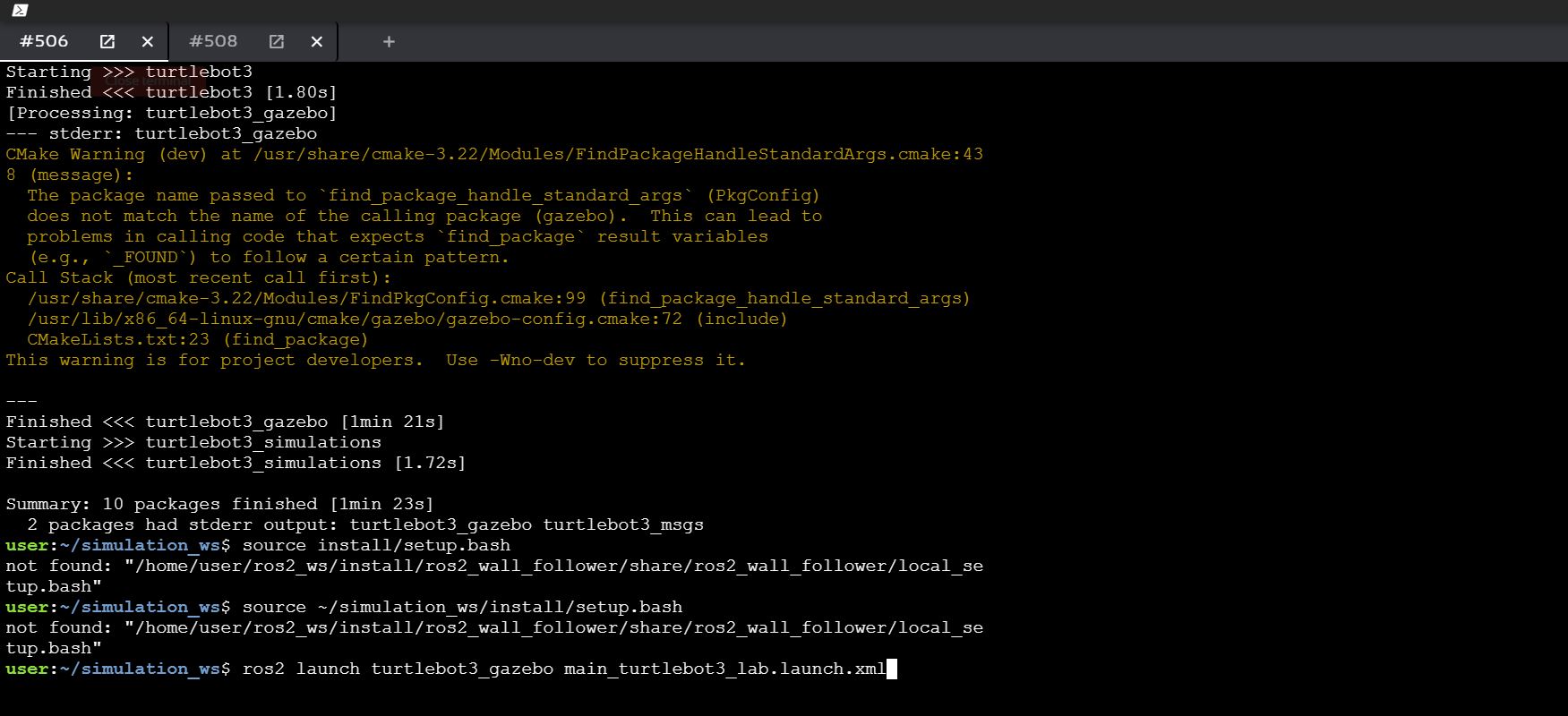
 ). I omitted one of the steps.