Hi, I’m having an issue with the new interface. The ‘Submit Quiz’ button isn’t working. I have tried clicking it multiple times, but nothing happens. Also, when I try to switch back to the old interface, it keeps sending me back to the new one.
Hi @ninewninewt
Which specific course is that, and which specific button are you trying to click? Please refer to the image below for the button for submitting the quiz.
Regarding switching back to the old interface, please clear your browser cookies and try again. We had an issue with that earlier, and the fix requires resetting the cookies. I apologize for the inconvenience.
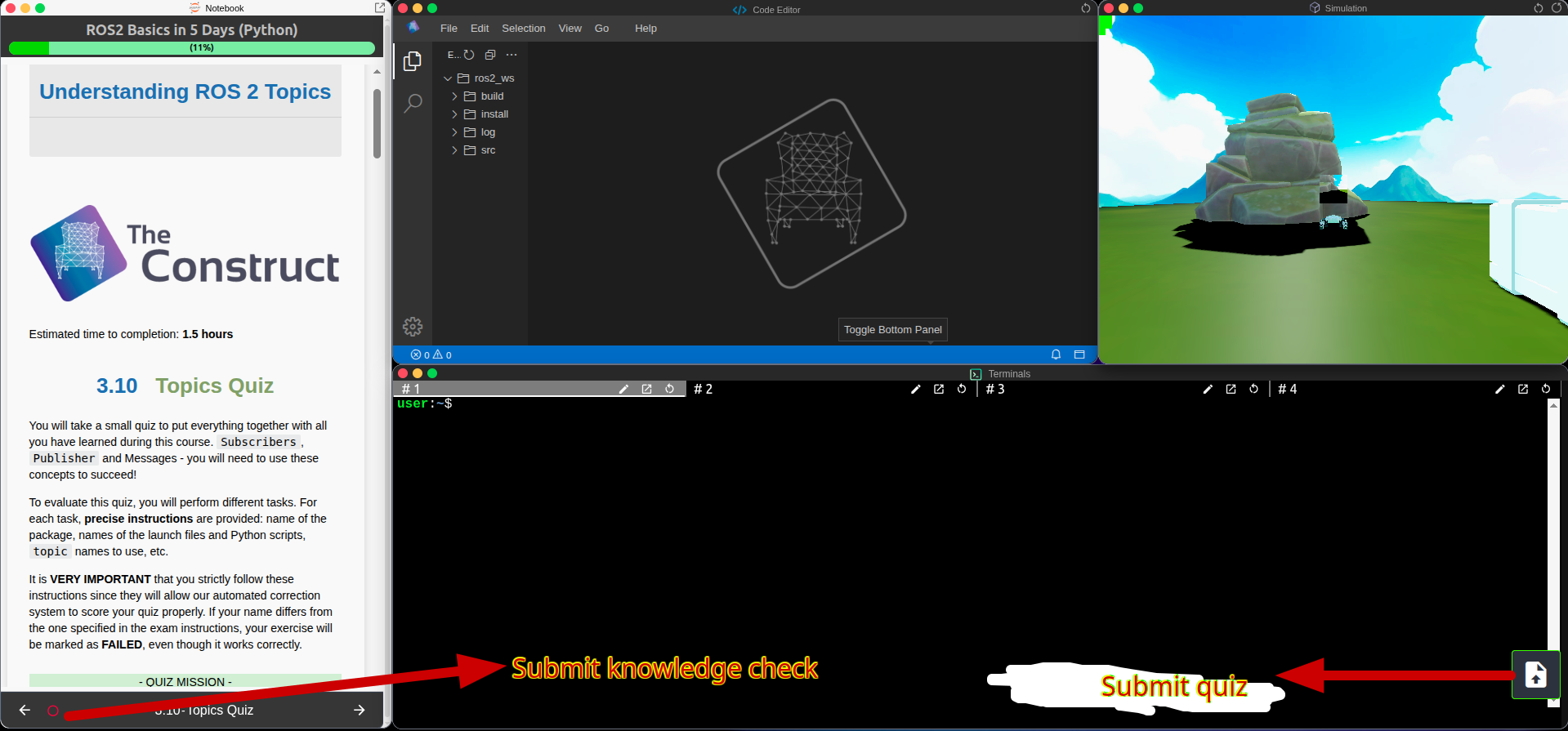
Hi, the course is ROS2 Basic in 5 Days (Python). Chapter 7.9: Action Quiz. I clicked “Submit Quiz” Button. It sometimes works. [Partially Fix]
Another problem is It’s also getting stuck on this screen after quiz submission.
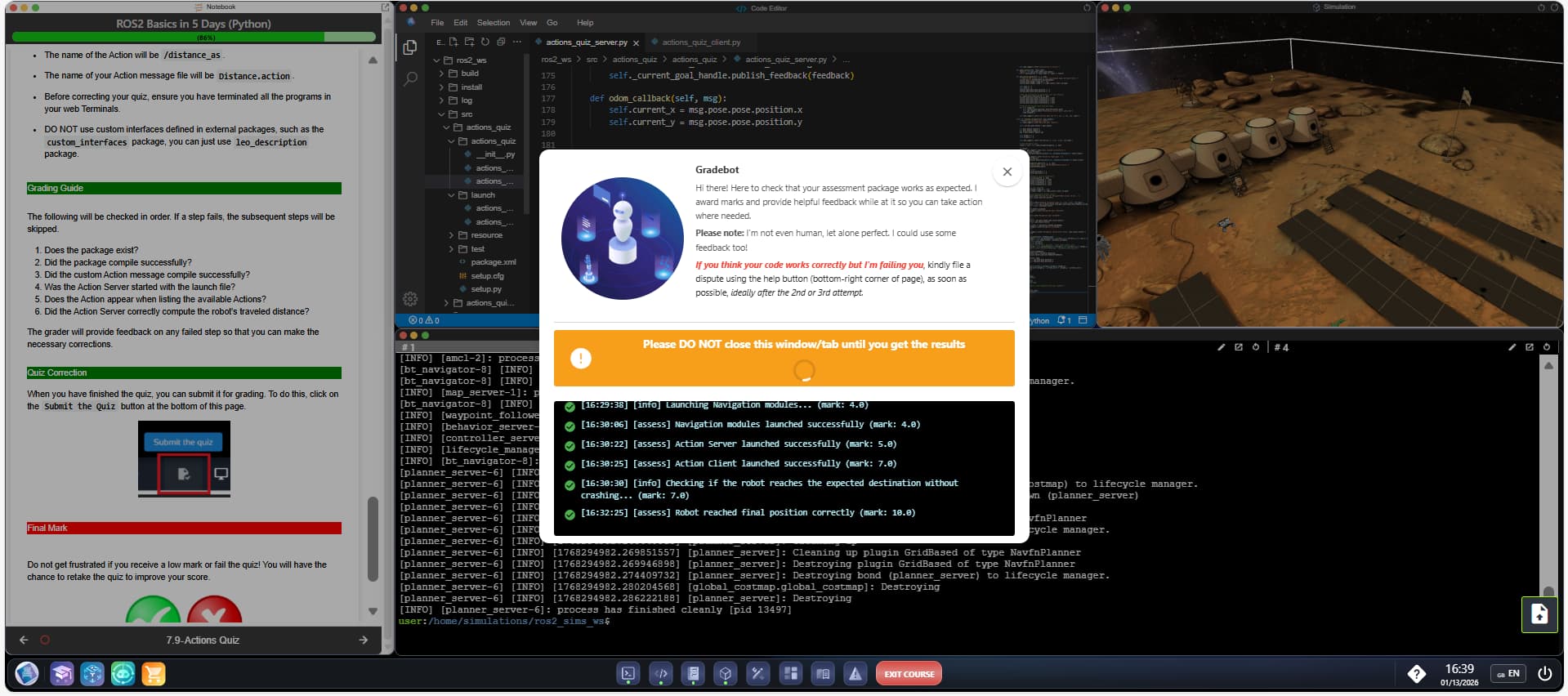
The button could go into “panic mode” if you click it frantically. Other than that, it should work every time.
The getting stuck problem seems to be the real issue here. Looking into it right away. Brb.
The “getting stuck” issue has been resolved. Please try again.
This topic was automatically closed 10 days after the last reply. New replies are no longer allowed.