Hi,
I am working on Part I of the URDF project and I have the urdf file ready. I am at the step where we need to set files up to spawn the robot in Gazebo (have included the gazebo references and the collision and inertias)
I wanted to ask that to spawn it in Gazebo, do we need to make another launch file and put the following contents in it (like advised in Unit 4):
EDIT: Apologies. I didn’t read the instructions thoroughly. I can launch Gazebo directly from the terminal using the following commands:
I don’t quite see the misalignment that you are talking about.
You mean the colours? Or something of teh wheels I don’t see ?
Please post an image pointing out the differences that you consider, please.
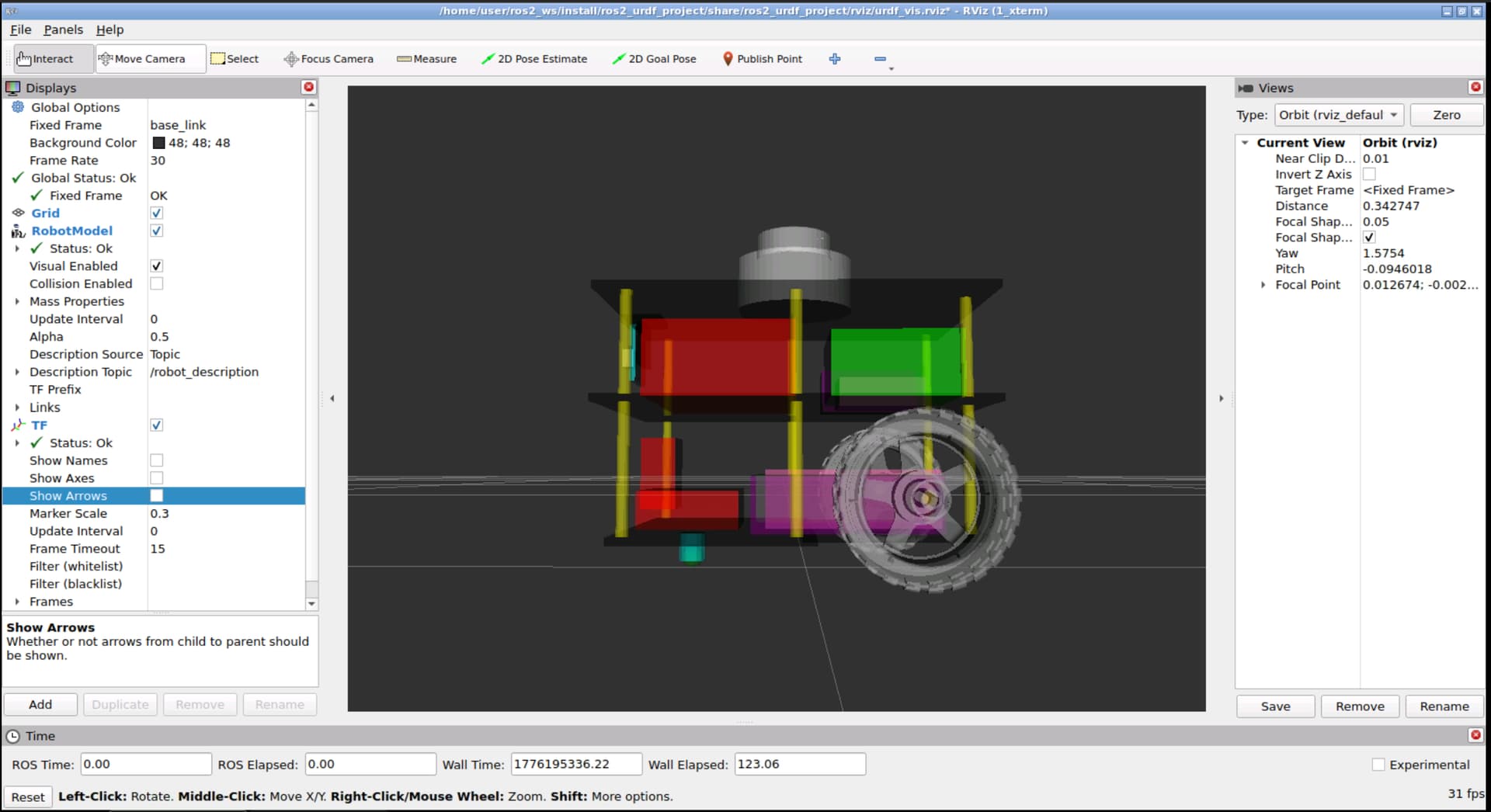
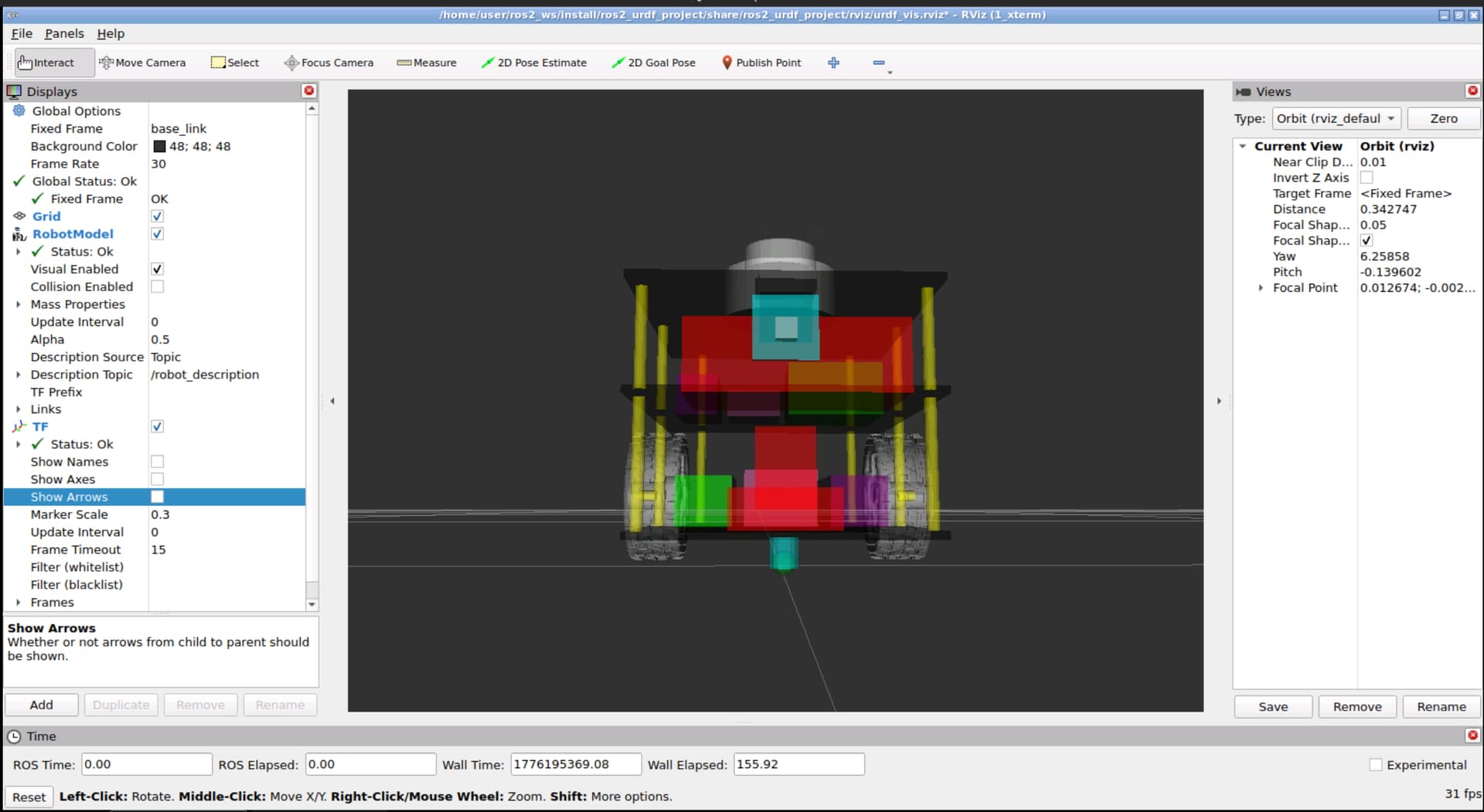
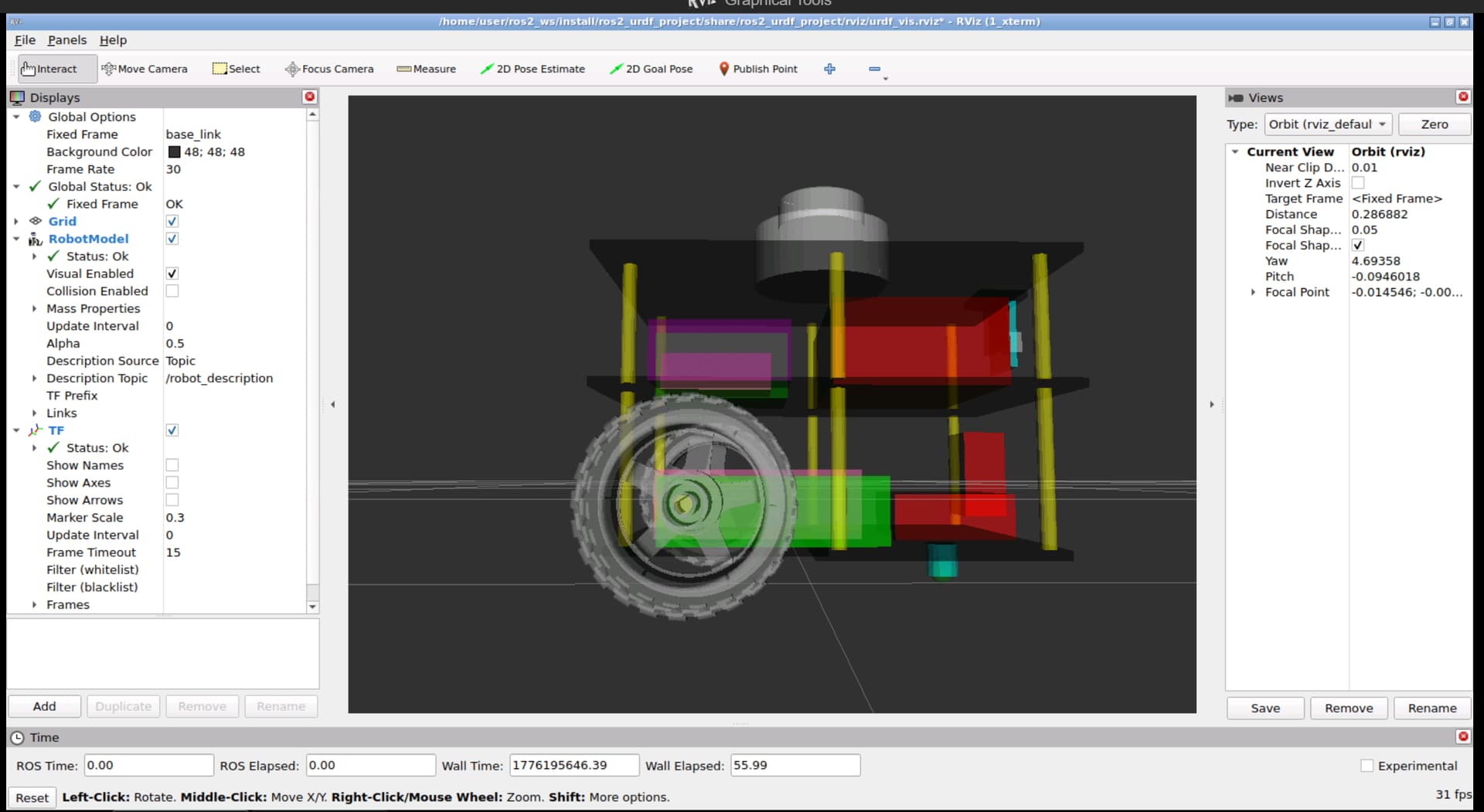
Gazebo doesn’t show the materials in the same way that RVIZ does, which makes a difference. You can fix that using .dae files instead of materials, because otherwise you have to harmonise the gazbeo materials and the normal URDF materials.
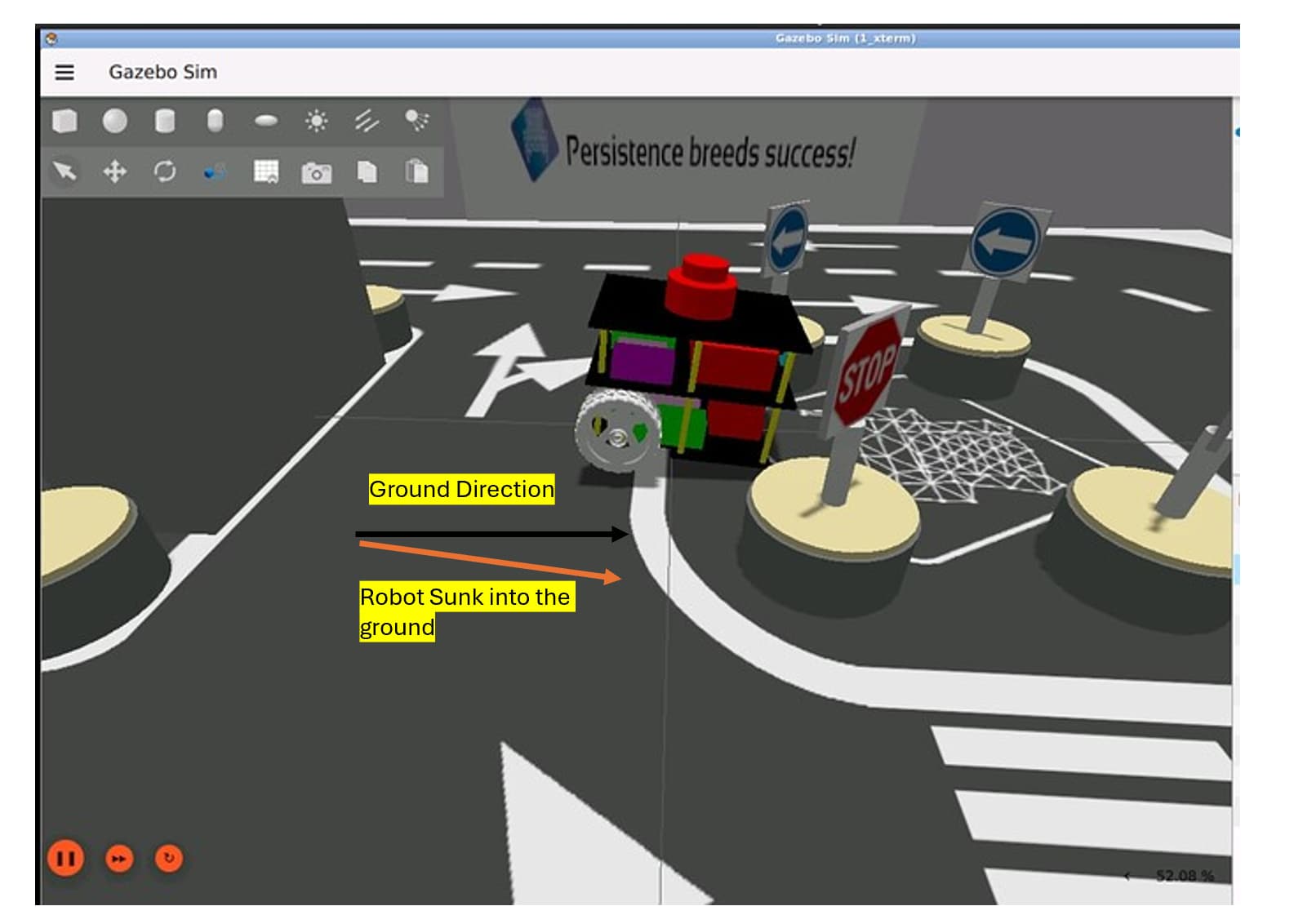
Thank you for the response! To clarify what I meant by “tilted/misaligned”, the issue is not with the colours or the wheels visually.
The two problems I was seeing were:
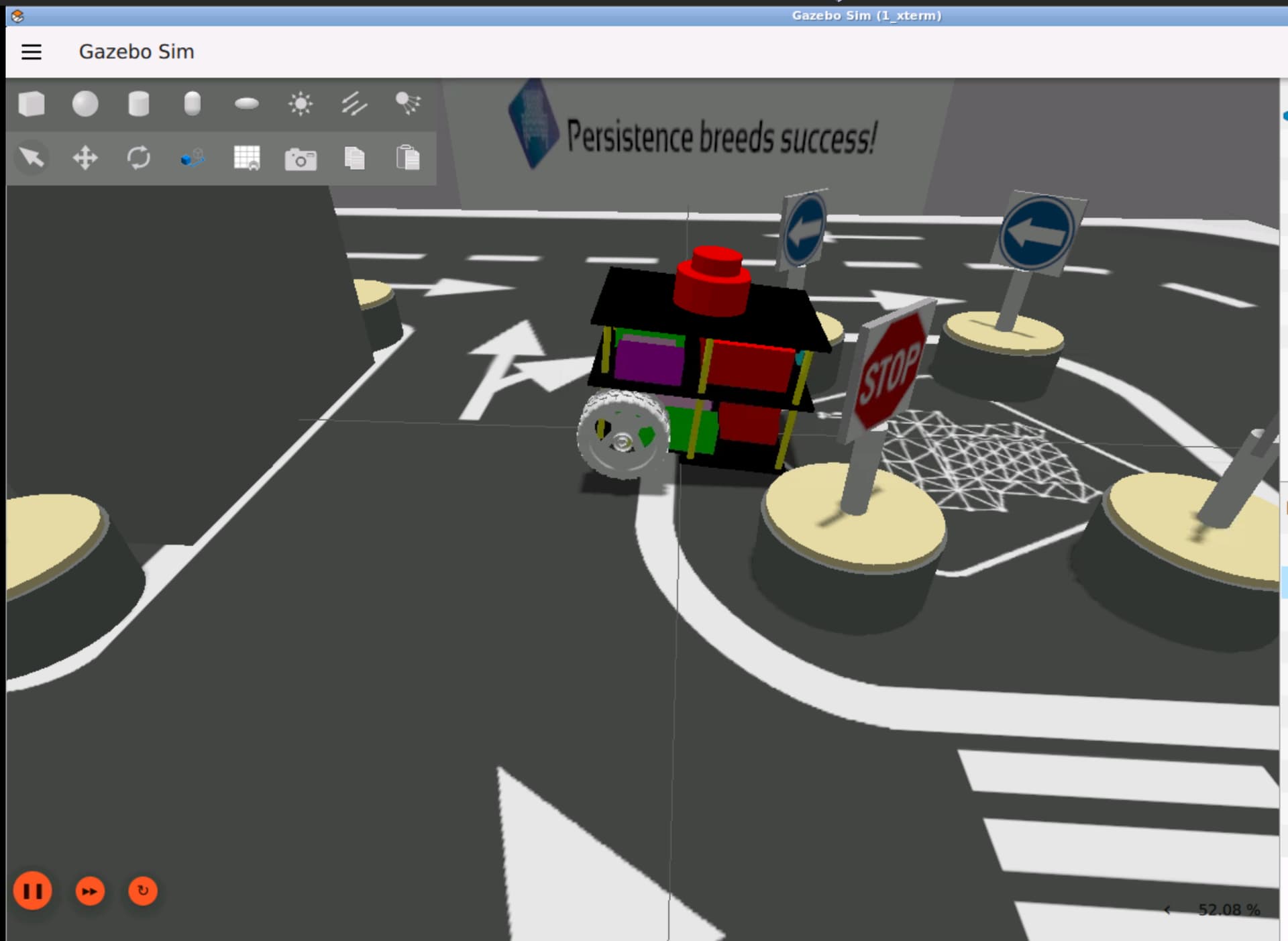
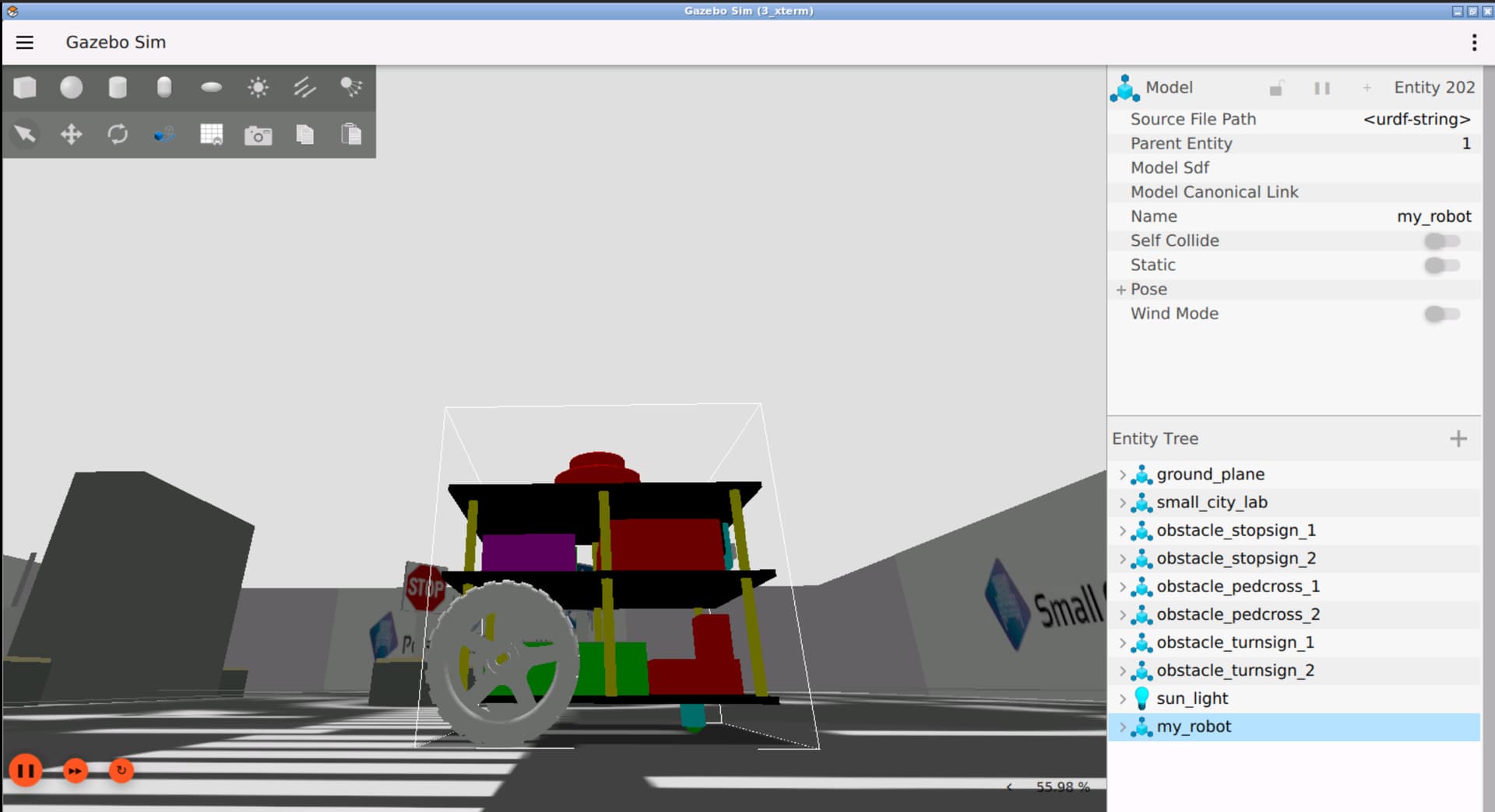
The robot was not touching the floor. It appeared to be partially sunk into it, rather than resting flat on the surface.
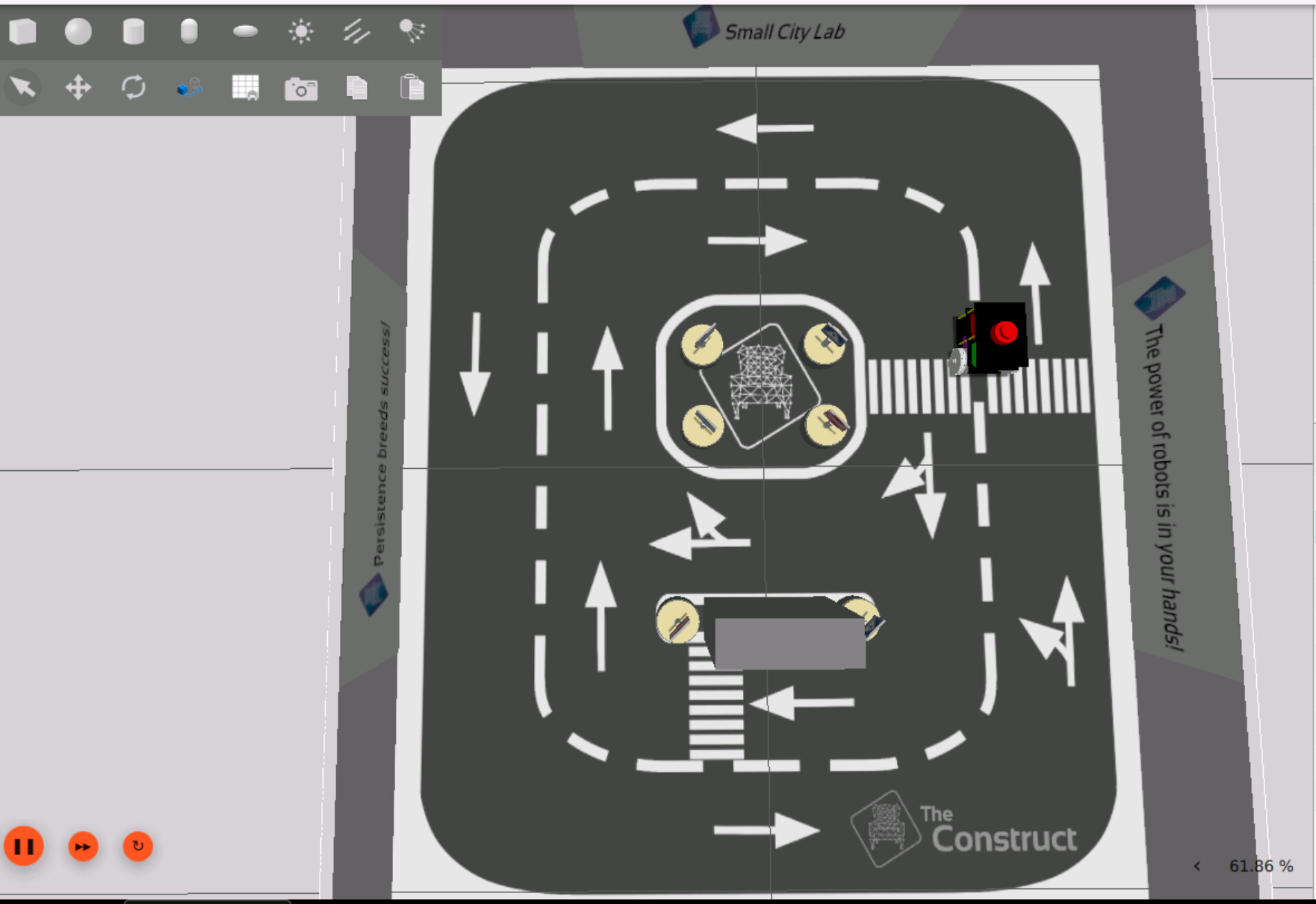
The robot was not at the correct starting position. it was spawning in the middle of the map (near the obstacle area) instead of at the designated starting point (the zebra crossing lines).
So essentially, the spawn position and orientation in the world frame seem off. Could this be related to the initial pose values set in the launch file or the URDF, such as the z offset or the roll/pitch/yaw values?
A couple of hours back, I tried a new approach to correct the ‘sinking into the ground’ part by changing how the xyz, ‘rpy’ values were defined at the joint level in the URDF. I moved the xyz offsets from the joint definition into the individual <visual> and <inertial> elements instead, so that the transforms are applied correctly per element rather than at the joint level. This seemed to correct the ground alignment (not sure if it is the right one, though)
But the 2nd issue, which is ‘robot spawning in the middle of the city map’, still exists. I haven’t found a solution to that yet.
Any guidance on how to correct the spawn position and ensure the robot sits flush on the ground would be really helpful. Thanks!
For the issue where you see the robot’s front castor wheel sunk into the ground:
This happens because the z axis value in the spawn command is little lower than expected. To fix this just increase the z axis value in the spawn command, for example, 0.05, that is, add0.05 to existing z axis value, don’t change z axis value to 0.05.
For the issue where the robot is not spawning near the pedestrian crossing zone and spawns in the center of the arena instead:
The fix here is to again modify the spawn location of the robot. I am not really sure of the values, I believe x axis value is either 0.25 or -0.25 and the value for y axis is either 0.55 or -0.55.
You will have to find and edit the spawn launch file to get this right. You need to play around with the values to get the correct position - for which you will have to edit - compile - restart simulation and check.
I hope my suggestions fixes the issues you are having. Please let me know if you still have issue or unable to fix it.
Thank you, @girishkumar.kannan!
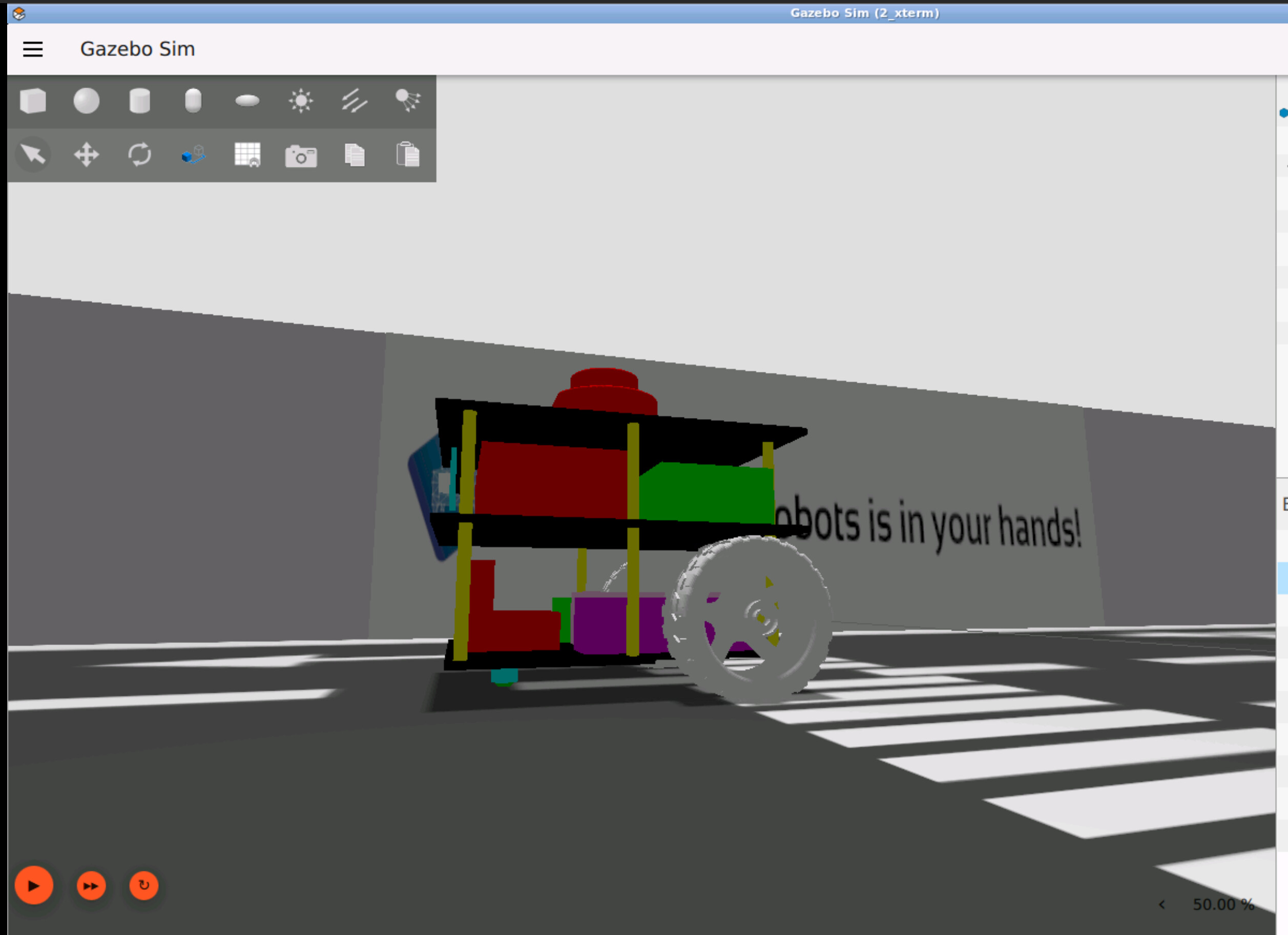
I was able to resolve the “sinking into the ground” issue by correcting the visual origin of the wheel links. I had incorrectly placed the visual offset xyz="-0.032 -0.080 -0.0325" in the joint origin instead of the link’s visual origin. Moving it to the correct place fixed the wheel alignment, and as a result, the caster assembly also fell into the correct position relative to the ground.
With regards to the z axis value you suggested, setting it to 0 or to 0.05 (after the above change) isn’t leading to any change in the position now (cause the correction was probably wrong joint origin for the wheels as noted above.)
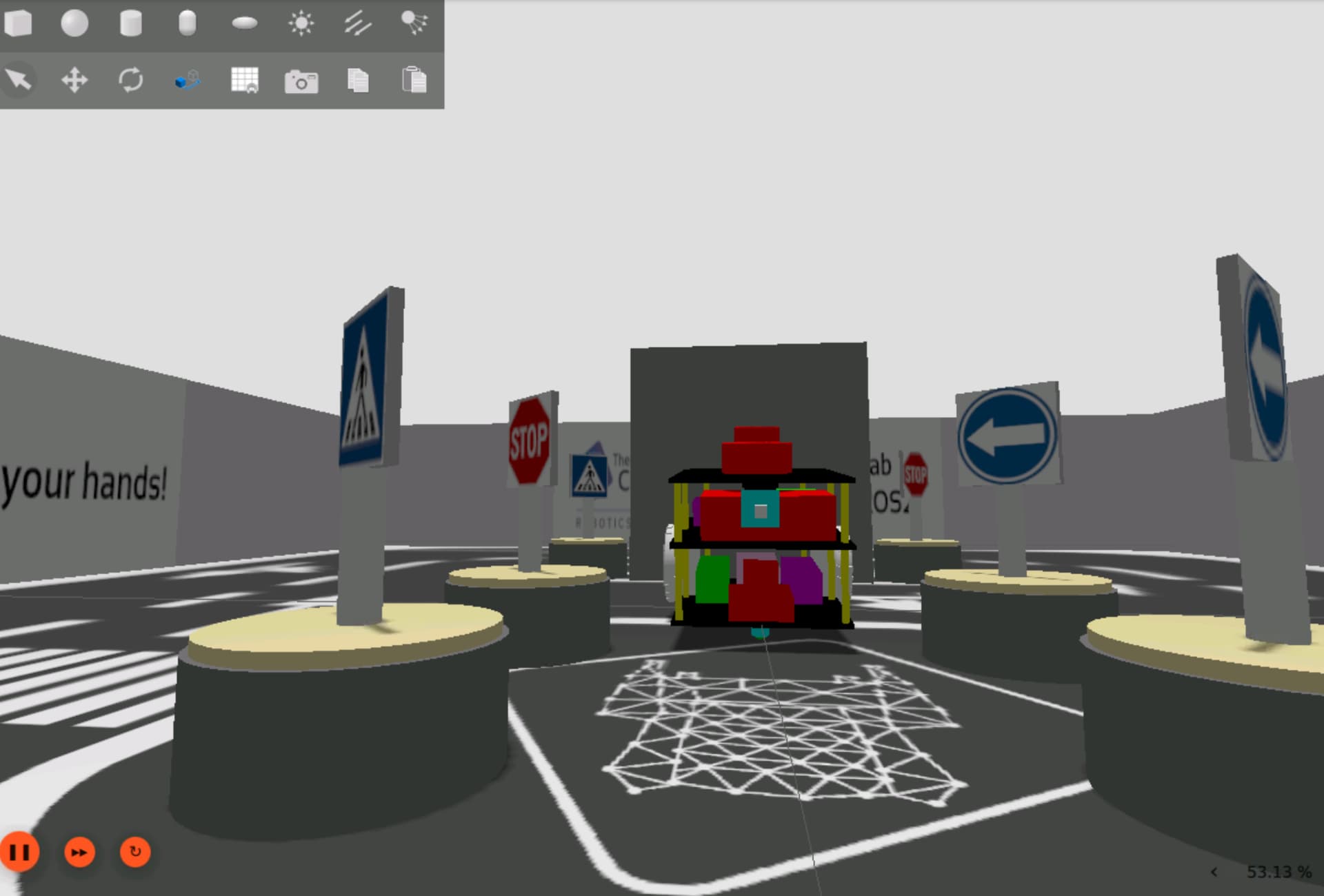
For the second issue regarding spawn position in the small_city_map, setting x=0.3 and y=-0.55 as the default spawn coordinates places the robot correctly near the start line.
Thank you for your guidance! Do let me know if you have any feedback.
Attached are screenshots of the spawned robot in Gazebo: