Urgent restore request for accidentally deleted Rosject – STAIRS2 Demo v1

Hi The Construct Support,

I accidentally deleted a Rosject from my personal account today, September 19, 2026, and the deletion also caused my original private master Rosject named STAIRS2 Demo v1 to disappear.

I need the original master STAIRS2 Demo v1 Rosject restored to its latest saved state immediately before the deletion. I am not trying to restore the fork I intended to delete.

The original master:

  • Name: STAIRS2 Demo v1
  • ROS distribution: ROS 2 Humble
  • Owner account: kshardy1214 [!email redacted!]
  • Approximate deletion time: [8:30pm, Eastern Time]
  • It was the source Rosject for this permanent share link: https://app.theconstruct.ai/l/76363db2/

I still have a separate fork of the project in a different test account. Please do not modify or delete that surviving fork.

Can you please restore the original master Rosject, or the latest available version from immediately before the deletion?

Thank you,
Kim Hardy

Hi @kshardy1214

I have restored the version at Sept. 19, 2026, 20:20:18, which seemed to be significantly different from the versions after that time. Please let us know if you wish to restore another version, based on the image below.

PS:

  1. I should clarify here that deleting one rosject does not affect any other rosject in any way. There is probably some mix-up somewhere. If you can, could you please described how this event unfolded?

  2. The master rosject STAIRS2 Demo v1 was not deleted in the sense of deleting a rosject (or we would not be able to recover it). It’s still there, and our record shows you have opened and modified this rosject after you made this post. So, you probably meant that you couldn’t find some files or directory that were inside it. Kindly clarify.

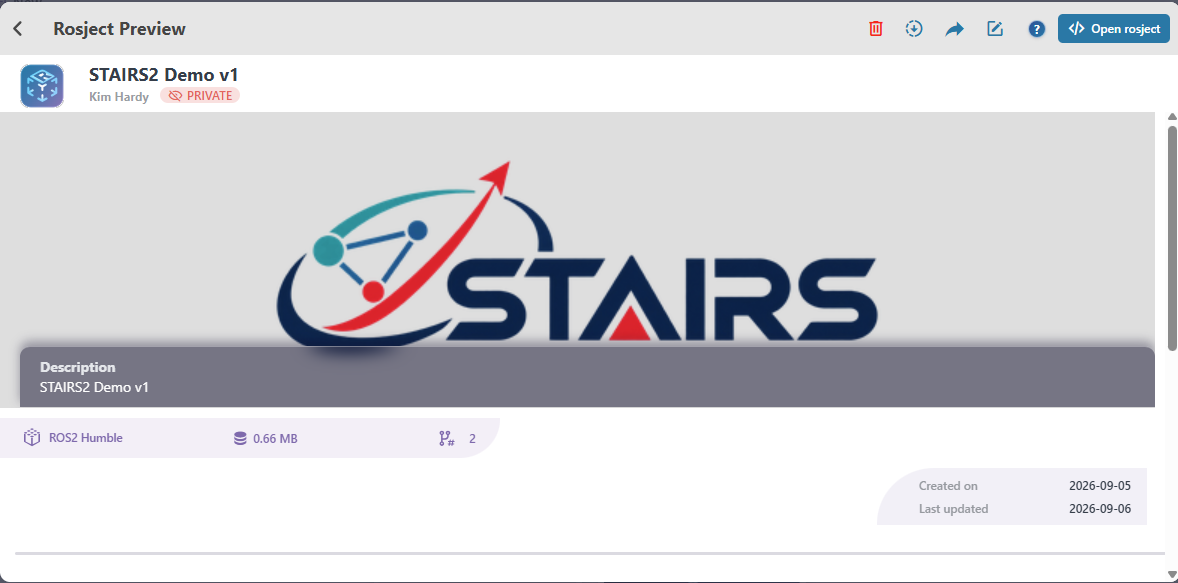
In my account right now, it says that the STAIRS2 Demo v1 ROSject was last updated on September 6.

It seems the version from September 19 is no longer there and that is the version I want. Can you please restore that version again? I did see the correct version yesterday morning at 6:43am ET. I have an updated jupyter notebook in the current version. And it was correct as of 8pm ET last night. So I am not sure what changed this morning.

Let me explain what I have been doing and why I deleted it unknowingly. I created the master STAIRS2 Demo v1 ROSject in my personal paid account. I reached a point where I wanted to test how sharing/forking the ROSject worked. So using an incognito browser window, I opened the permanent share link and when it asked me to log in, I logged into my personal account. The fork worked and when I went back to my personal account outside the incognito window, I could see both the master ROSject and the forked version. So it appeared as if I had the master ROSject and the forked ROSject in my personal account ROSject folder.

Then I proceeded with developing the master ROSject. As I am developing the ROSject, I add my program files, test files to test my code, I often create test folders, upload test data, etc. Then when I am done, I cleanup my folder and remove old test files, etc so I am left with the actual code I want in the ROSject. This is likely why you see the variation in sizes.

On Saturday, I created a test STAIRS free account, because I wanted to test the fork with a truly different account, which worked as expected.

Then because I had the forked ROSject in the test account, I wanted to delete the forked ROSject that was in my personal account. However, when I deleted that forked ROSject, it also deleted my master ROSject and it deleted it from the test STAIRS account as well. At least that is what I was seeing on my screens.

I subsequently requested assistance restoring the main ROSject in my personal account. Sunday morning when I checked the master ROSject had been restored. I also proceeded to do a little bit of testing and that is probably why there is a slight increase in file size. BUT I do believe that the version with the 673.09 is the current version I wanted and what I saw in my account yesterday.

Thank you so much for your help!
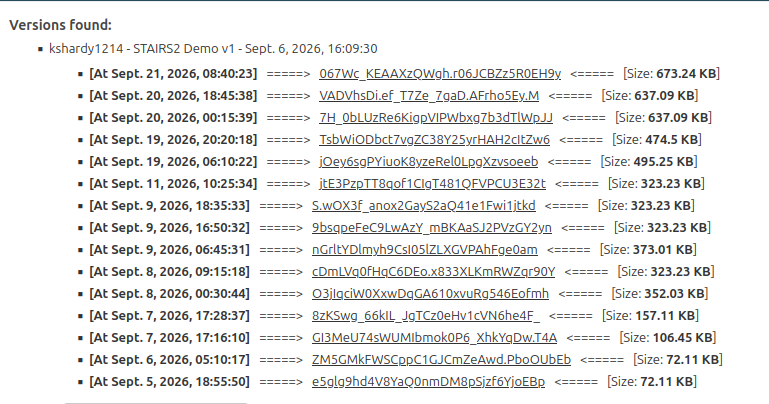
This is the version that is in my account at the moment. I need the version from September 19.

@kshardy1214
Thanks for the clarification! It was quite helpful.

I have restored the version you modified on Sunday, so you should see your latest changed now.

Now, I think I did not need to restore anything in the first place because your master rosject wasn’t lost (“deleted”). You probably just didn’t see it for some reason. As earlier explained, deleting one rosject does not delete others. No one restored it on Sunday; you found it because it was always there! Since you were logging into different accounts, it could be that you unknowingly logged into an account that does not have the rosject.

Another thing to note: launching different rosjects on the same account, even if one is launched in an incognito window, could cause the a mix-up of the files because any account can only launch one thing (rosject or course) at one time. I don’t know if you did this; I just wanted to call it out.

Please let me know if you can now find your changes.

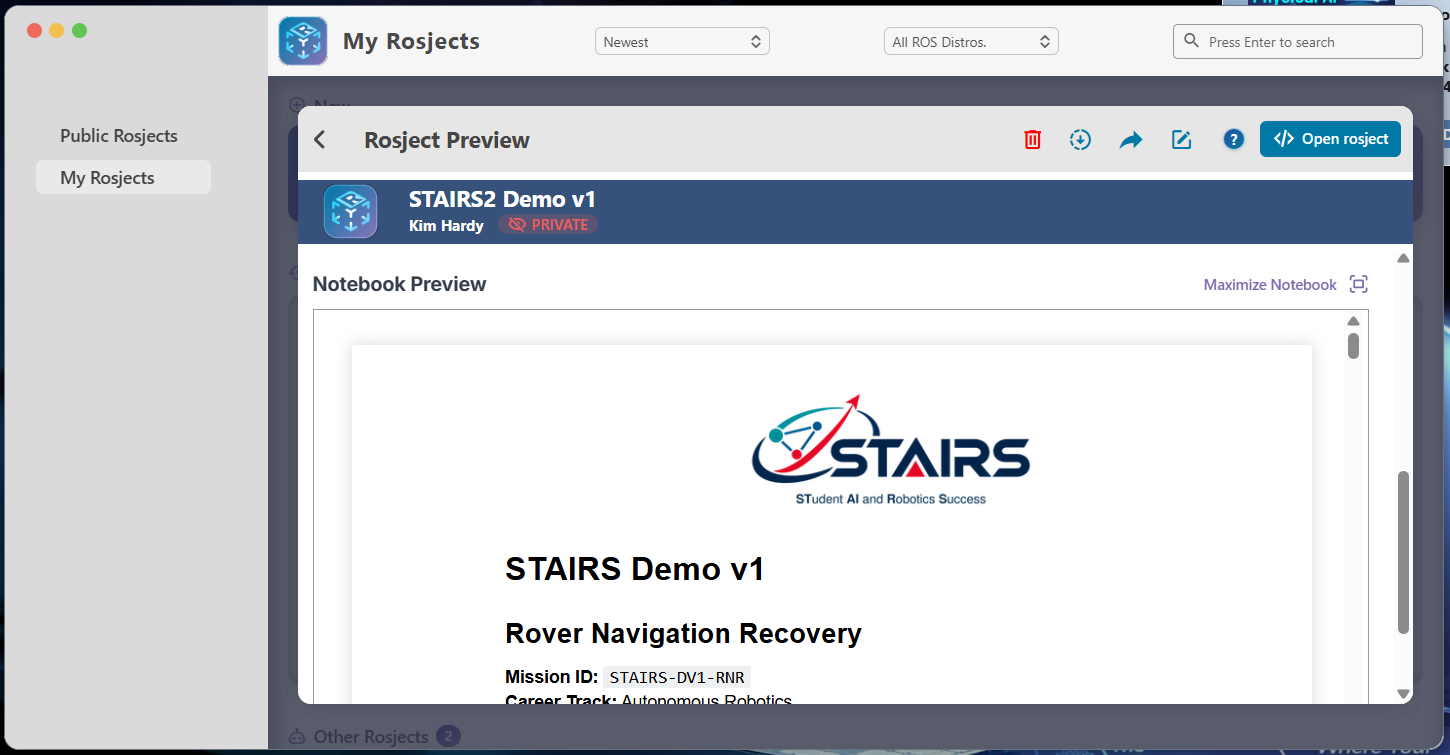
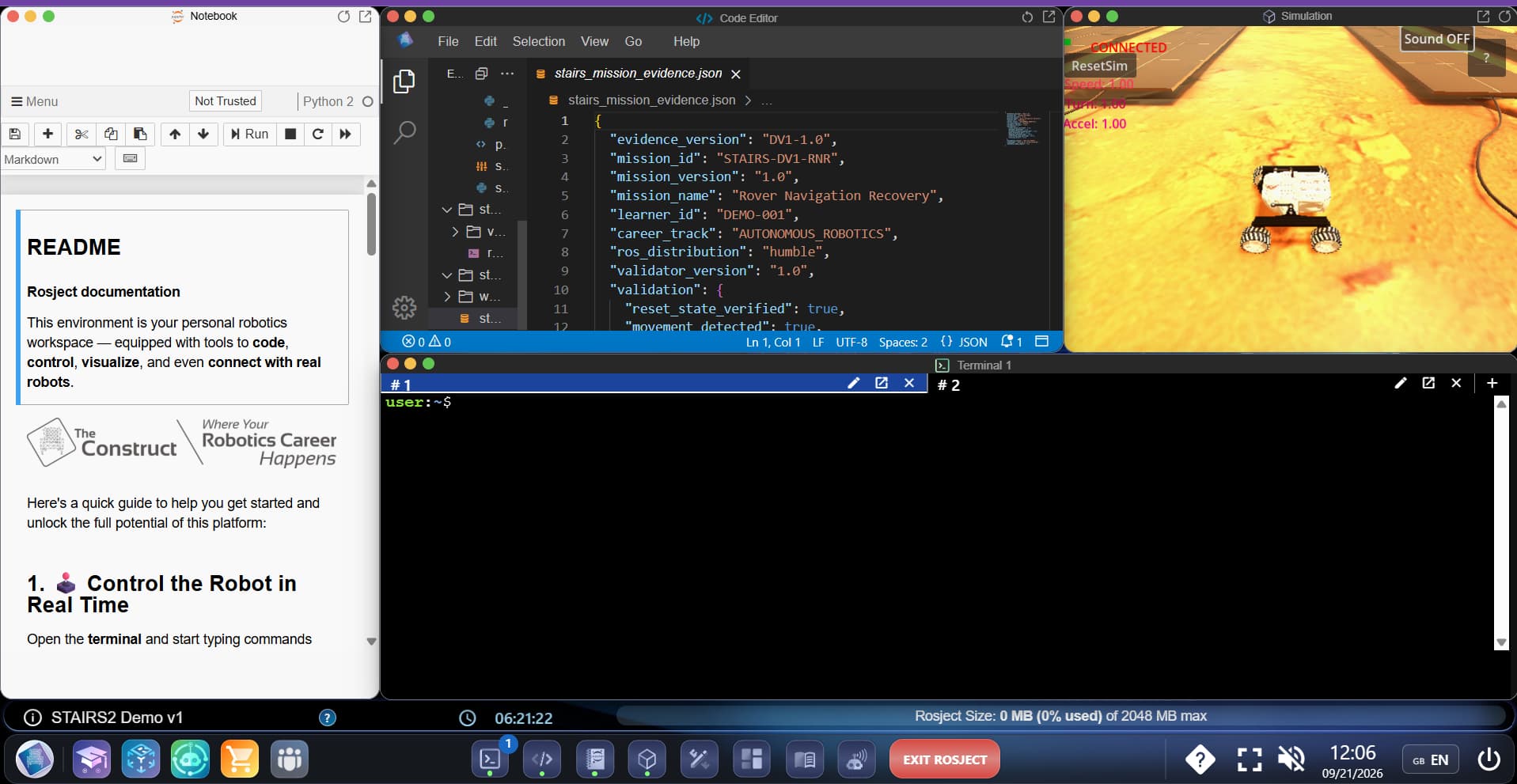
I just want to confirm. See both screen shots. When I open the ROSjects folder and click on the STAIRS2 Demo v1 rosject, I can see the updated jupyter file in the preview window. But when I open the ROSject all the way, the updated jupyter notebook is not there. Can you help me understand why the difference?

Thank you so much!

Here is the second screenshot I mentioned. I can only attach one screenshot at time.

I am soooo sorry! I keep saying restore the version from 9/19. I mean 9/20. The one with a size of 637.09 KB.
I apologize for that confusion.

1 Like

This is a clear indication that your project was reverted to an earlier state, perhaps due to a mix-up with another rosject.

I will now try to restore the specific version you requested, and let’s see…

EDIT:
I can now confirm that your rosject has the updated notebook. Please check and let me know.

Hello!
Yes the ROSject looks correct now. I am doing some final verification and I will confirm by tomorrow morning. Thanks again for all your help! I appreciate your speedy responsiveness!

Hello again!
I have confirmed that the restored version is intact and nothing was lost. Thank you so much for all your help!

1 Like

This topic was automatically closed 5 days after the last reply. New replies are no longer allowed.