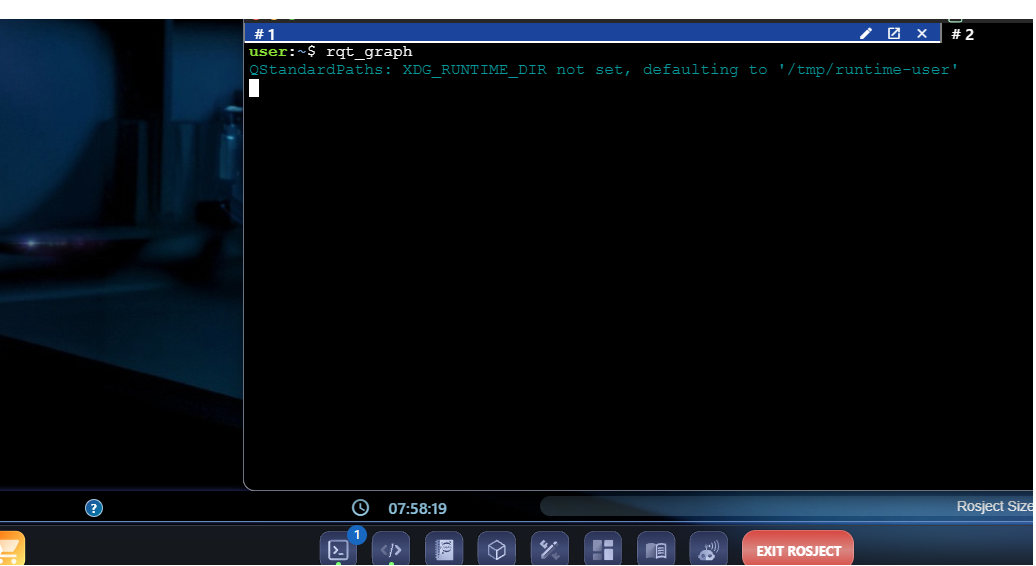
I am just trying to run very basic tools and this is what I am getting.
Some “XDG_RUNTIME_DIR” error…

Please advise.
Thank you
I am just trying to run very basic tools and this is what I am getting.
Some “XDG_RUNTIME_DIR” error…
Please advise.
Thank you
You need to provide more context about what were you doing.
Always indicate as much information as possible. For instance:
Many thanks for your reply,
This is all taking place on a rosjet on the construct’s app (web app).
I am using humble hawksbill here.
Right off the bat, I was trying to run rqt_graph. I never had any prior issues with the app.
I think that this has to do with backend of the app.
This also occurs with any other command where some window is expected to open up (e.g. turtle simulator).
Thanks for sharing the screenshot.
Now from the screenshot, it’s normal that rqt_graph does not work because no simulation is running.
Are you familiar with the basics of ROS / ROS 2? If not, I would recommend that you take the ROS Basics in 5 Days / ROS2 Basics in 5 Days course, depending on which version you wish to learn.
If you are following a copied rosject (with a detailed notebook), it should have instructions about launching the simulation before running visualization packages.
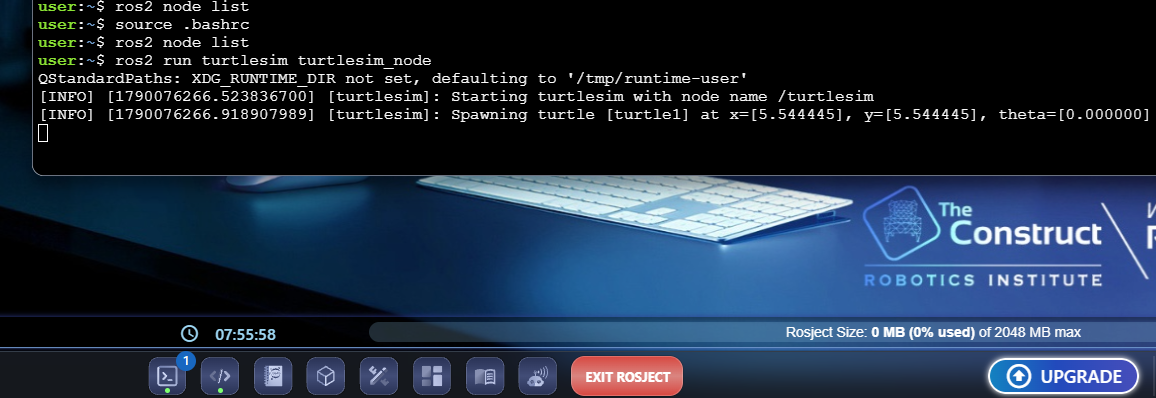
Oh, I see. The images you shared earlier did not indicate that you ran any simulation.
I assume you left the simulation running in one terminal and ran the rqt_graph in another terminal?
Also, the “XDG_RUNTIME_DIR” error message is just a greeting message to get used to 
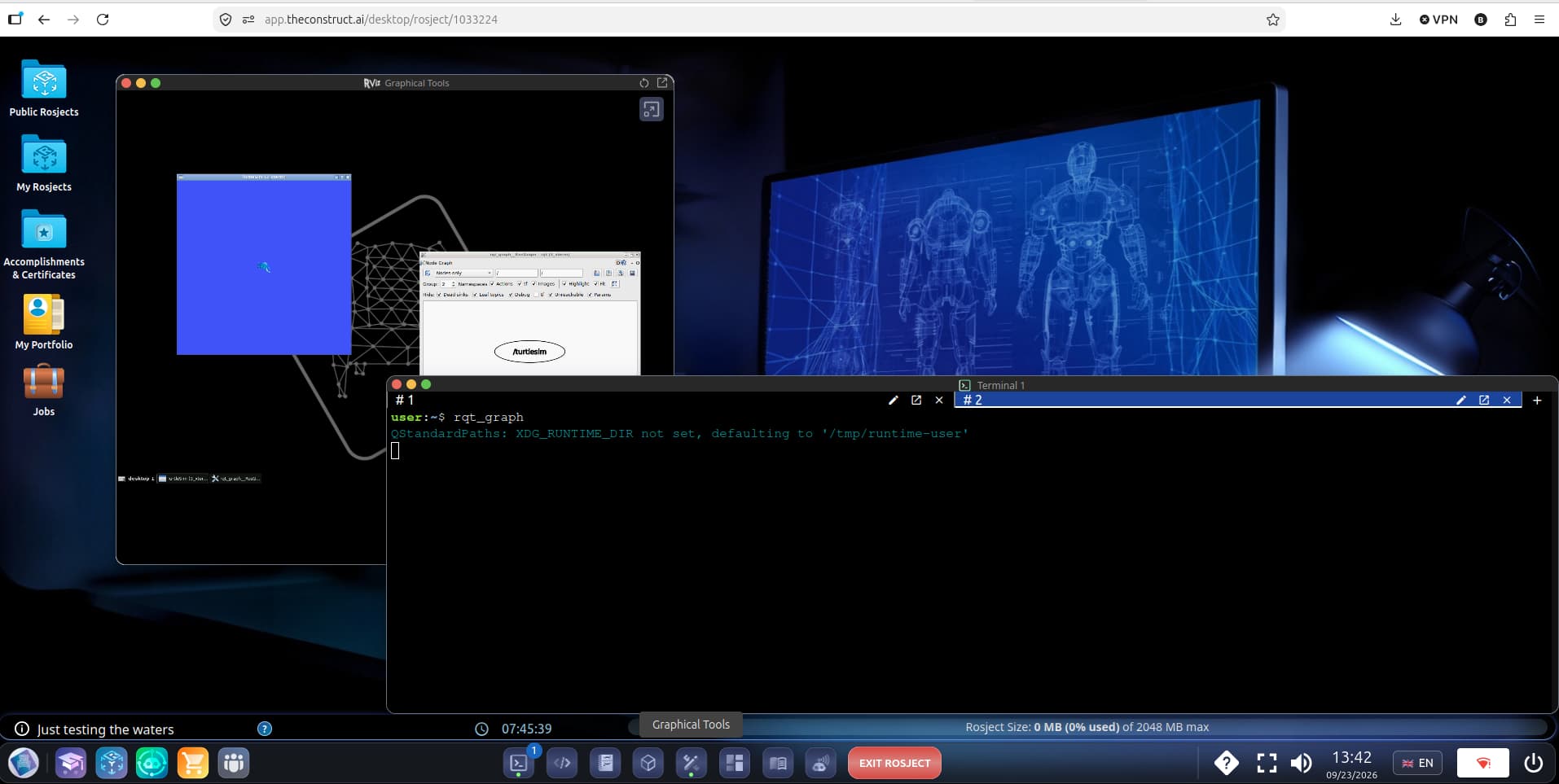
Please open the Graphical Tools window to see both the sim and the visualization:
Thank you Bayodesegun,
The issue has been resolved.
Earlier, I was able to view rqt_graph and similar applications right after pressing the enter button (after typing the command in the terminal). However, now, I can only view these application windows after clicking on the “graphical tools” window button.
Best,
Thanks for the update.
Glad to inform you that the windows now automatically open as before so you would not have to manually open them.