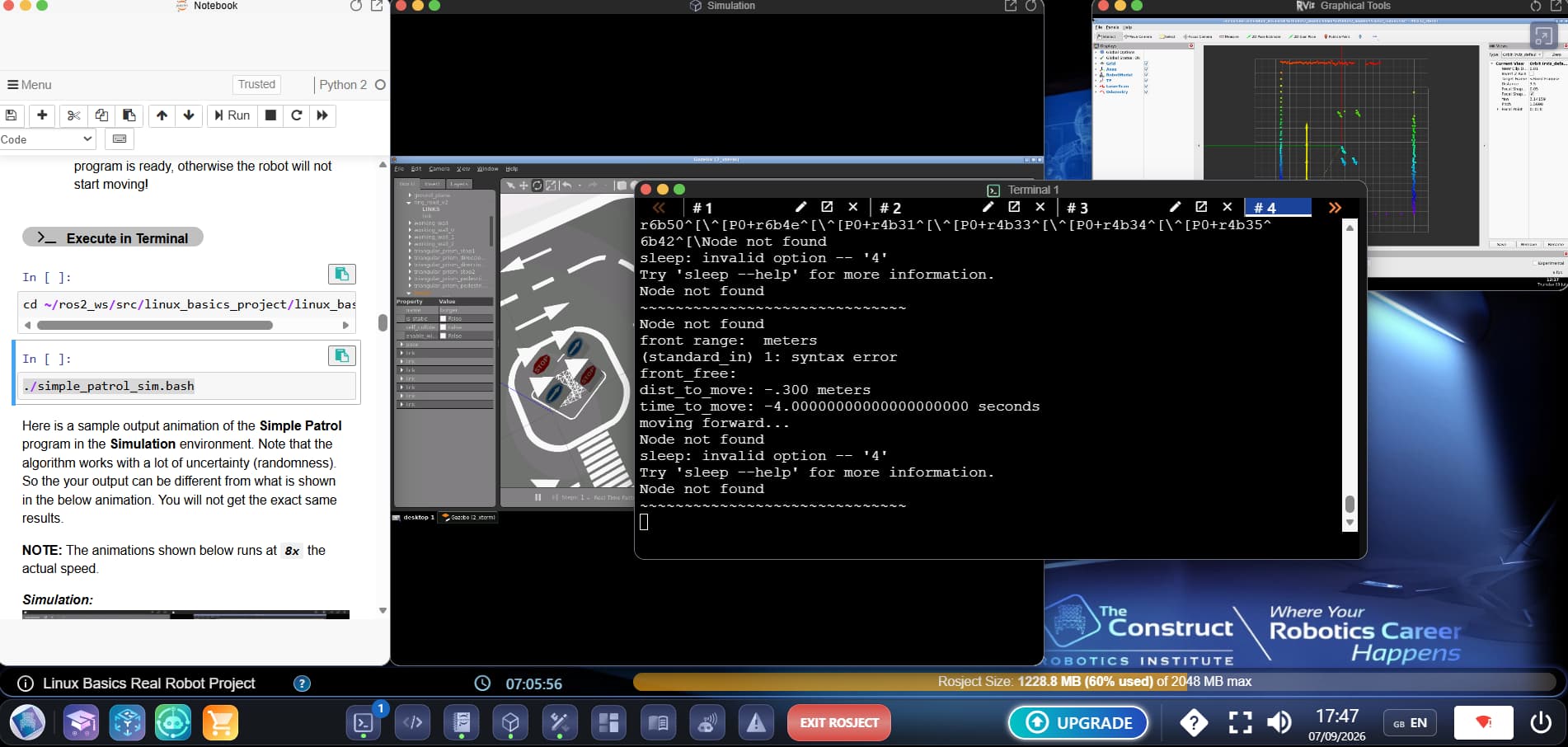
The Node not found error means the robot_interface.py program wasn’t running (or wasn’t ready yet) when the script tried to get sensor data. Every getter call needs that node to be alive to return a real value — without it, the functions return empty/error text instead of numbers, which is also why you see sleep: invalid option -- '4' (a negative “time to move” got passed to sleep) and the negative dist_to_move/time_to_move values.
Fix: start robot_interface.py first, wait for it to print READY !!!, confirm it’s running with ros2 node list (you should see /robot_interface), then launch obstacle_avoider.bash/robot_statistics.bash.
This topic was automatically closed 5 days after the last reply. New replies are no longer allowed.