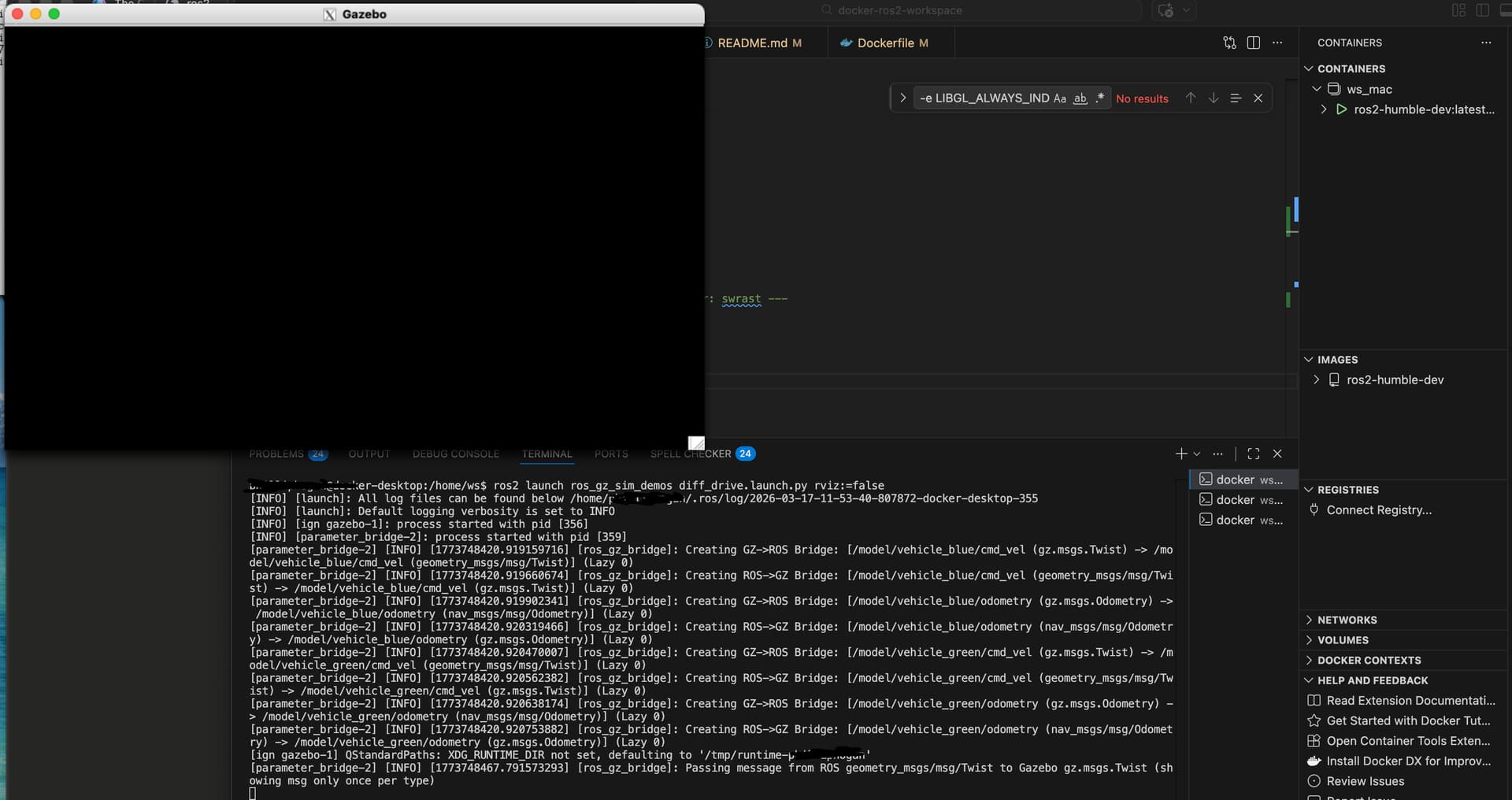
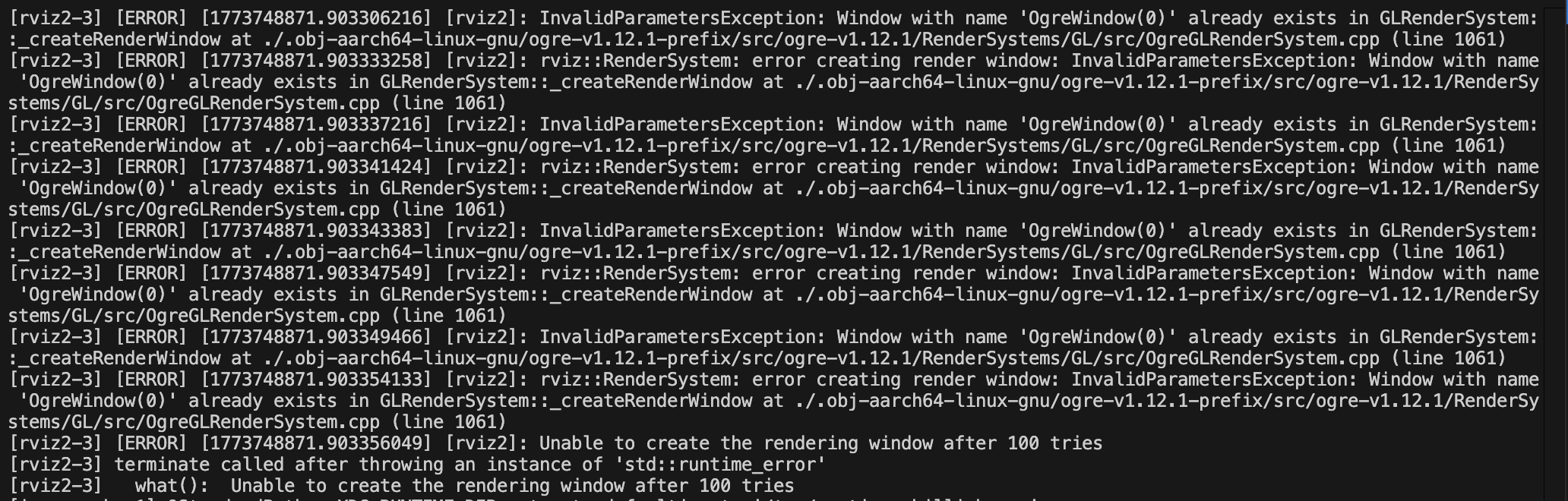
Hi @phillip.jr.hogan,
I suppose many companies would use a single ROS Distro to run their entire robotics systems. In cases like this, having ROS installed directly on the computer would work.
But there may be cases where many ROS Distros are required. In cases like this, ROS in Docker would be more recommended, because it allows you to run different ROS Distros in the same machine with no conflicts whatsoever.
If you want to run ROS in Docker, in order to see the graphical tools like RViz, Gazebo, etc, you have to mount the /tmp/.X11-unix folder inside the container and set the DISPLAY variable in the container to the same display used on your computer (also known as docker host).
If you check ROS tutorials on dockers, you will always see the DISPLAY variable and the /tmp/.X11-unix directory being referenced:
The two links above use ROS 1 in the examples, but the principles are the same in ROS 2.
I (Ruben) personally don’t have a Mac, and as I see it in the ROS 2 Humble installation guide, if one wants ROS 2 installed directly in a macOS Docker host (your computer), ROS would need to be compiled from source:
If you don’t want to compile it from source, a good alternative is to really use Docker.
In case you want a test of concept on how to see graphical apps from Docker without having to test ROS itself (because ROS is huge), you can do it in these simple steps:
- Create a
Dockerfile and and the following content to it:
FROM ubuntu:22.04
RUN apt-get update && apt-get install -y x11-apps
CMD ["xeyes"]
- Build the image (tag it as
my-xeyes):
docker build --tag=my-xeyes .
- Grant Access to the X Server
xhost +local:docker
- Then run your Docker Image:
docker run --rm -it --net=host -e DISPLAY my-xeyes
At this point, if everything went well, you should be able to see two eyes following your mouse position.
You can also launch bash in the container and manually call xeyes interactively. Example:
docker run --rm -it --net=host -e DISPLAY my-xeyes bash
Now you should be inside the container.
You can inspect the DISPLAY variable inside the container with:
echo $DISPLAY
which should display something :0.
Then you can simply call xeyes inside the container:
xeyes
Again, you should see the xeyes application with the eyes following your mouse.
Please let us know if we can be of further help on this.
#KeepPushingYourROSLearning