Python for Robotics course Bug - Cooper error

Hello
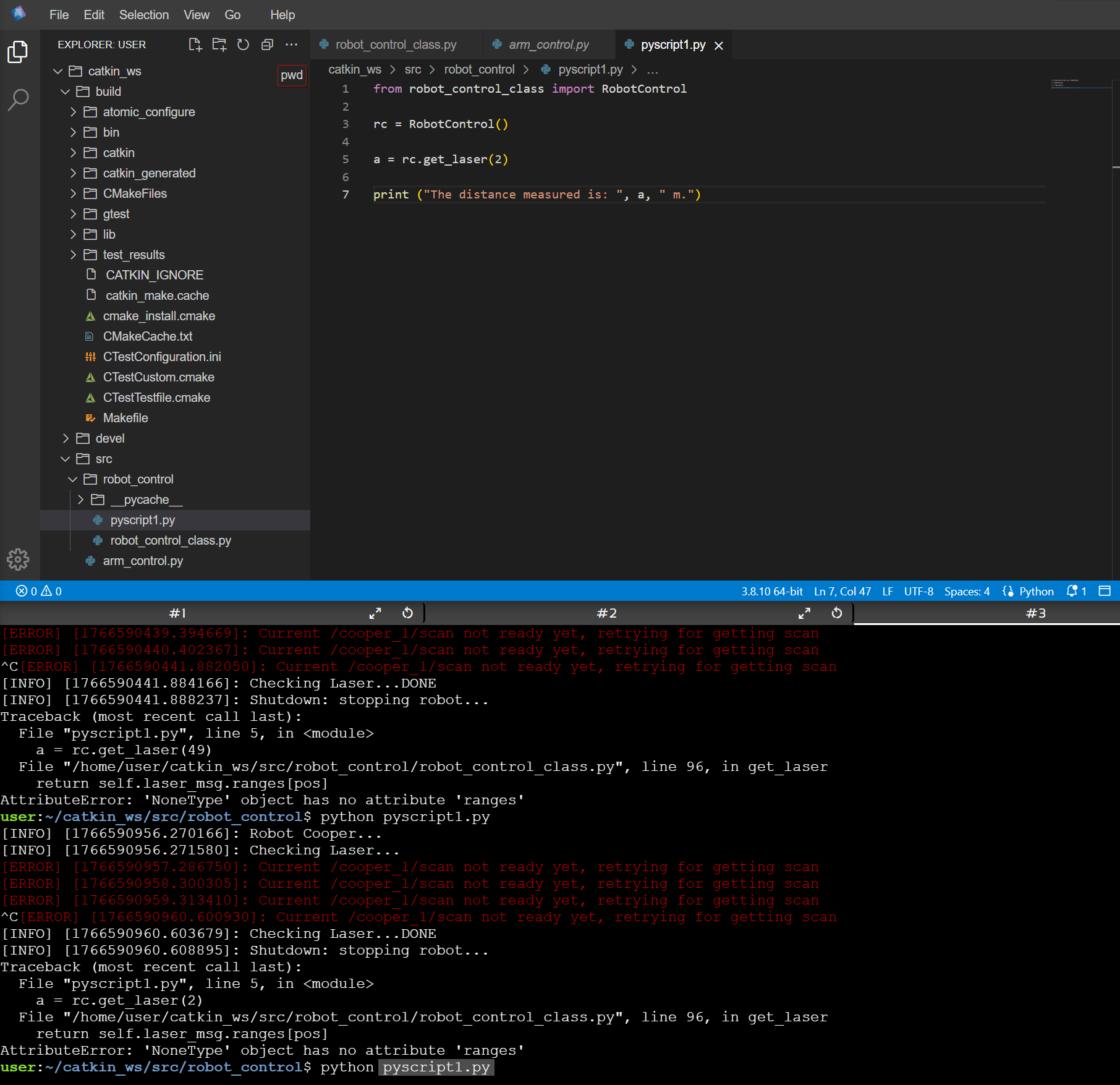
when I start the scripit in the module Python for Robotic and if I follow exactly the tutorial I have this message from whwn I start pyscript1.py from your Dev environnment.

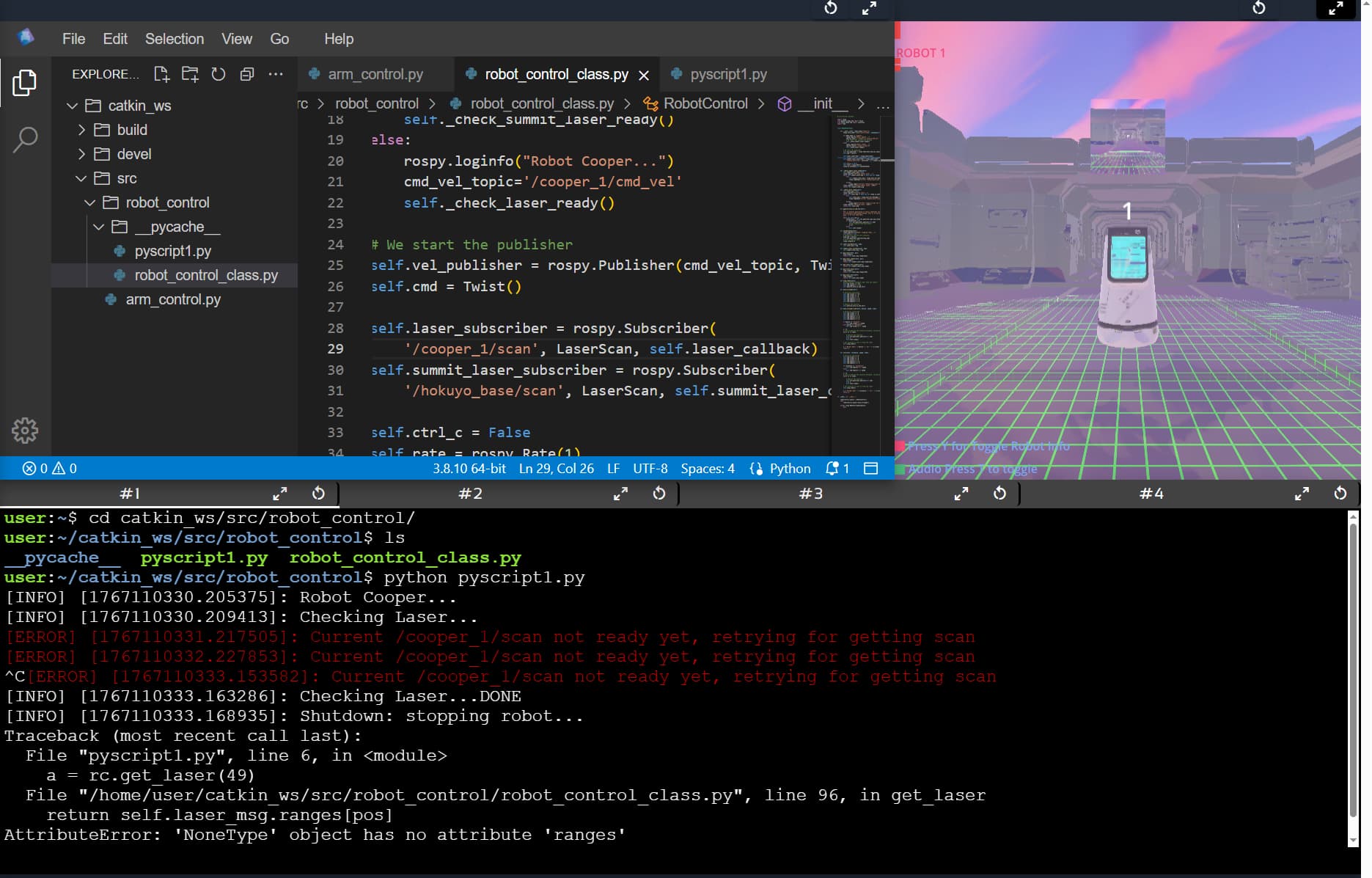
ERROR] [1766590430.291209]: Current /cooper_1/scan not ready yet, retrying for getting scan

Any Idea about this message?

Could you please provide more details about what you are trying to do?

  • Which unit of the course?
  • Which specific exercise or example are you following?
  • Did you follow all previous exercises from the first unit of the course without skipping any? If not, you might be missing important code
  • Did you follow all other instructions before running the code that returned this error?

Please also share a screenshot of the entire screen, showing the error in the terminal. The image you shared here does not show the error.

Dear,
the unit course is : Python pour la robotique , Python for robotic
Unit 2 : Unité 2 Les bases de Python , Python bases

  • Exercice 2.1 -
    I followed all previous all previous exercices without skipping any
    I followed all instructions

Dear,
the unit course is : Python pour la robotique , Python for robotic
Unit 2 : Unité 2 Les bases de Python , Python bases

  • Exercice 2.1 -
    I followed all previous all previous exercices without skipping any
    I followed all instructions

regards

Patrick Schild

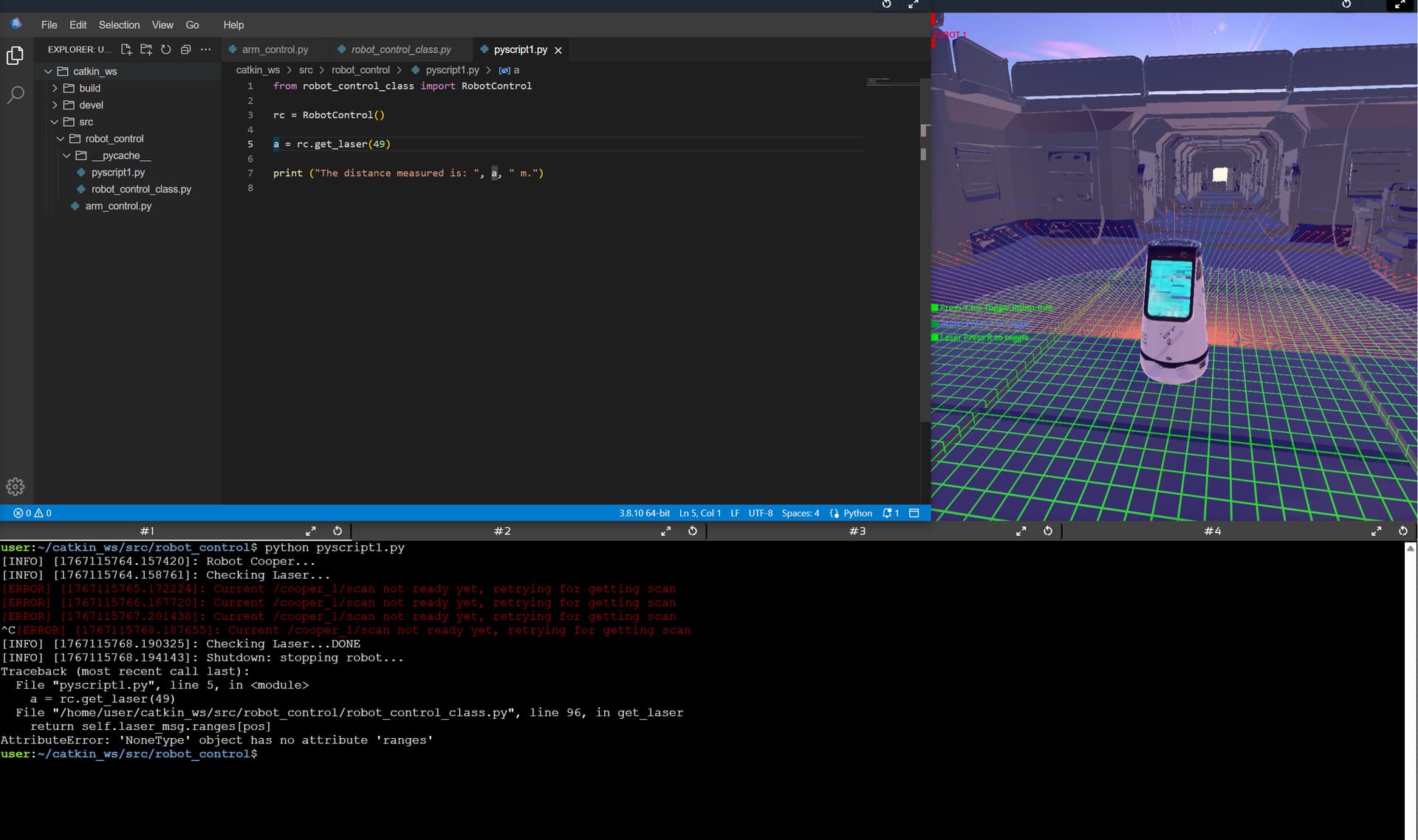
From this error message, it looks like the scan topic is not working, so it’s likely that the simulation was not fully ready (indicated by some red dots on the simulation screen).

Could you please share a screenshot of the whole screen showing the simulation and the other parts so we can see if the simulation is ready.

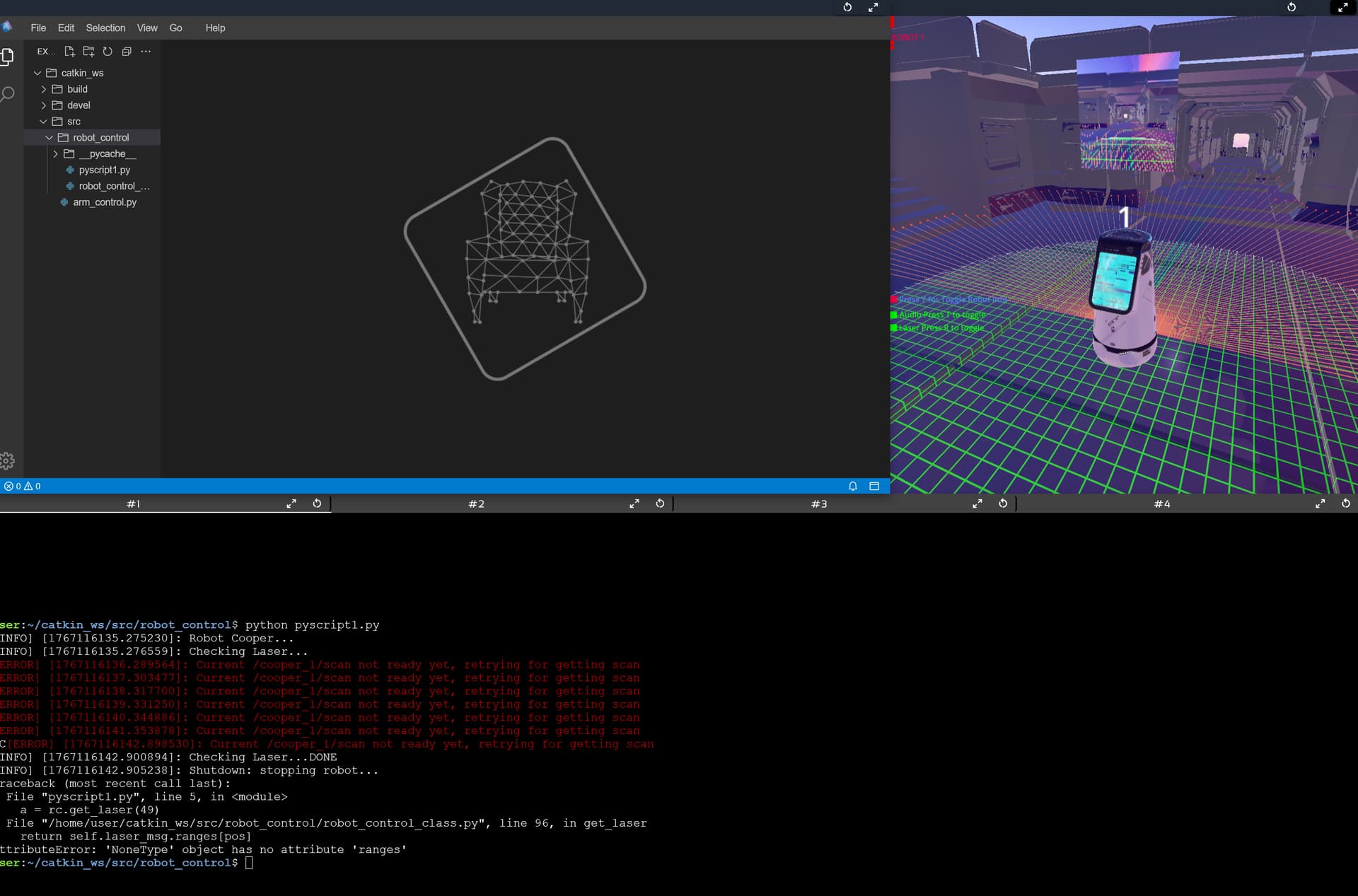
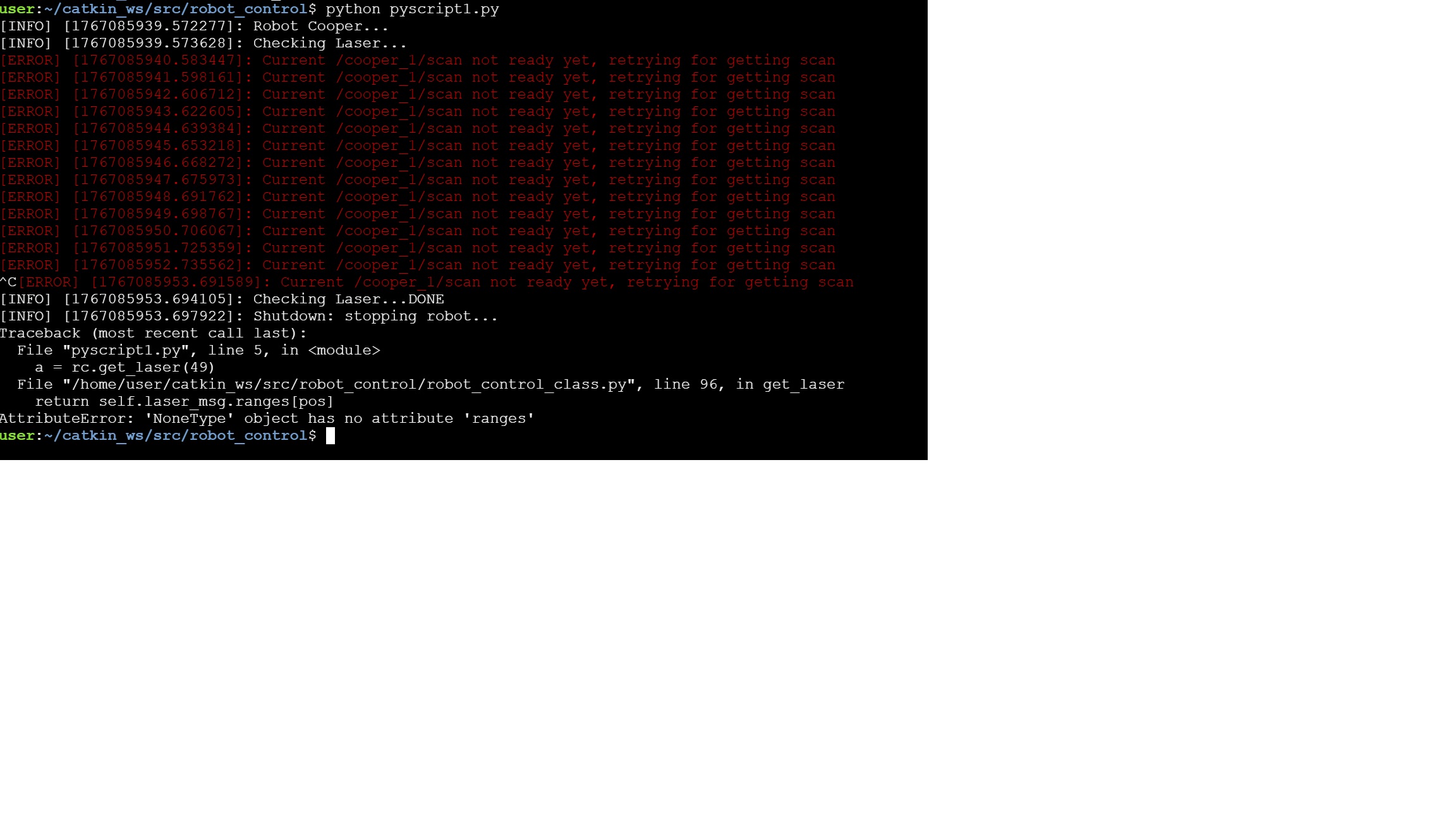
I also encountered this problem.here is the screenshot.

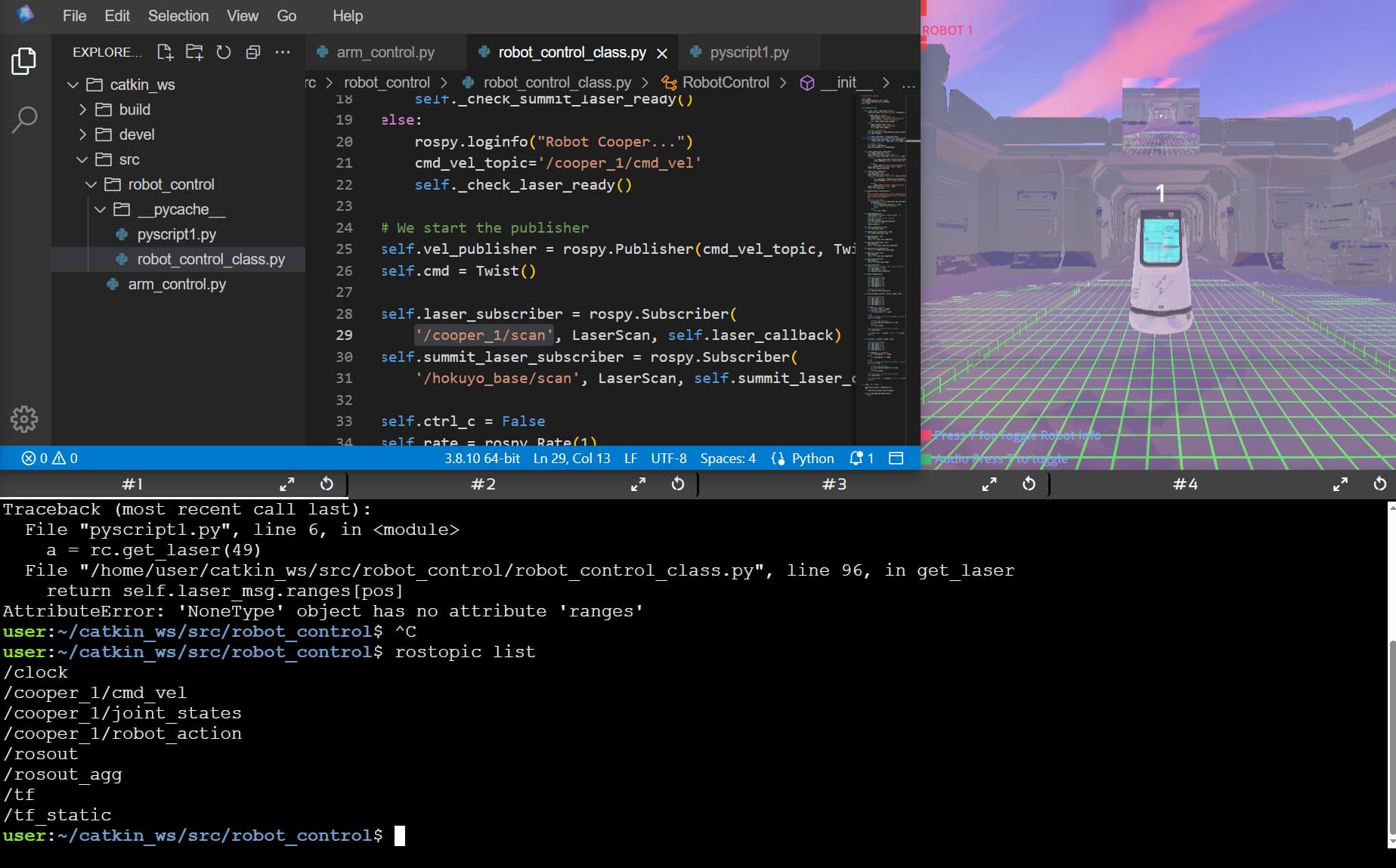
Furthermore, I found using the rostopic list command that the /cooper_1/scan topic is not running. Looking forward to your reply, thank you.

@xiao_feng
Thank you for sharing the image. I can see that you are having the “red square dots” problem. Please have a look at this post to see how you could resolve it:

@Patrick54 perhaps you also see the red square dots? If so, please also check the post.

With Chrome from fresh install and Antivirus disabled. Same issue.

Same with Mozilla.

Thank you so much for your help. Have a nice day! :kissing_closed_eyes:

1 Like

@Patrick54
Could you please try a different Internet connection and/or a different PC, if possible? Something on your PC/network/browser is blocking the simulation topics.

@xiao_feng
I suppose trying another browser worked for you…please let us know what you did. It will help someone!
This topic was automatically closed 10 days after the last reply. New replies are no longer allowed.