I tried running the Python script as described in the instructions, but the simulation does not seem to respond to control inputs.
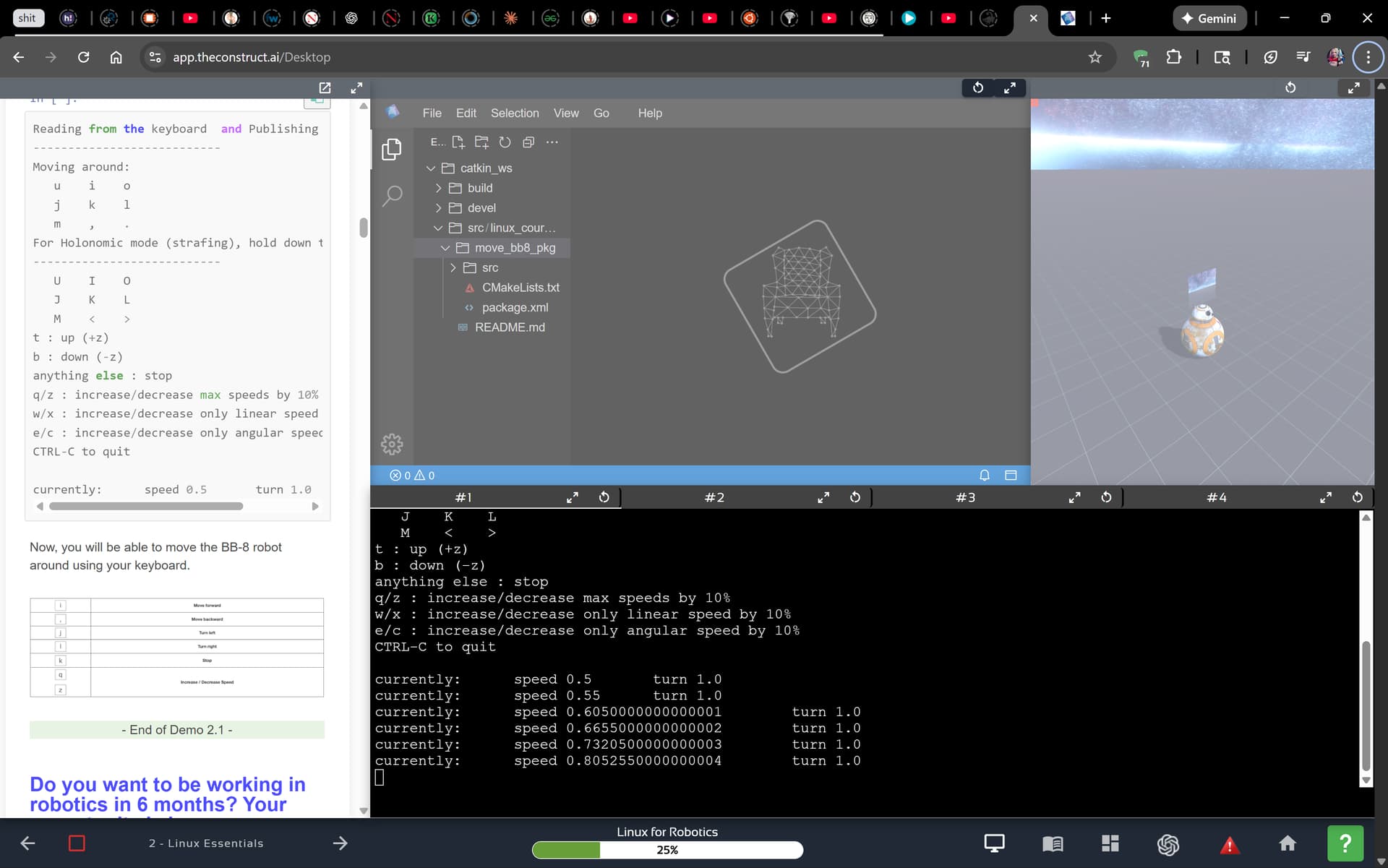
I had this issue, but it appears that the program maps to the incorrect variables - it maps to WSAD, rather than “uio jkl m,.” as it claims to.
I tried this, but still didn’t move
Did you click on the simulation on the top right before you tried using the keyboard?